
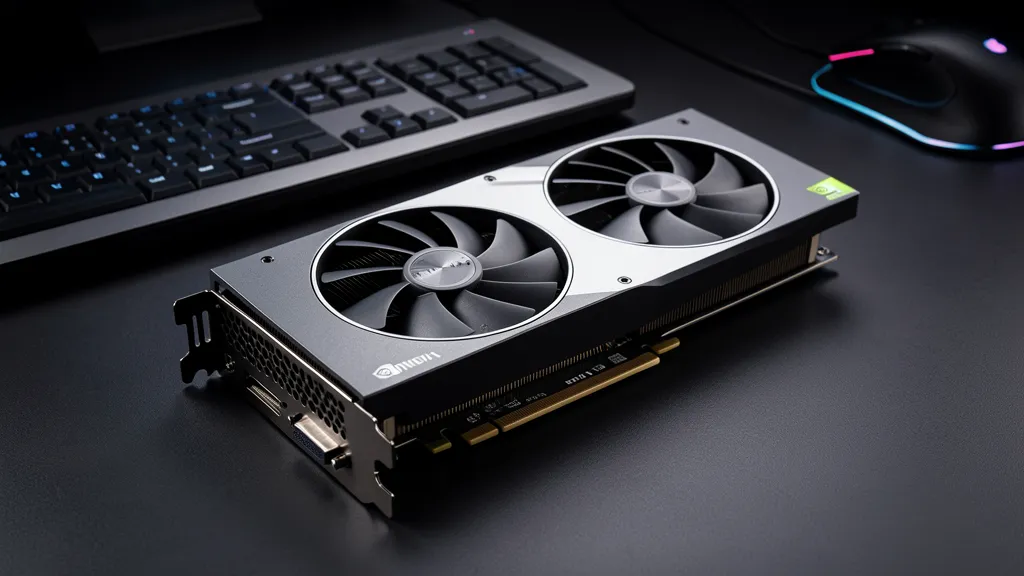
If you’re a student in Singapore looking to build or upgrade a PC without spending a month’s allowance on one component, the good news is the used GPU market in 2026 has never been friendlier. Cards that launched at $800+ now trade for $300-$400 used, and they still outperform anything new at the same price.
But “cheap” depends entirely on what you’re doing with it. A card that crushes 1080p esports might be useless for Premiere Pro renders, and a workstation GPU that eats Blender for breakfast might struggle with modern games. This guide splits the recommendations by use case so you can match the card to the coursework — and skip the models students consistently regret buying.
Quick recommendations by budget
| Budget | Gaming pick | Productivity pick |
|---|---|---|
| Under $200 | Used RTX 2060 / GTX 1660 Super | Used GTX 1660 Super (6GB) |
| $200-$300 | Used RTX 3060 (12GB) | Used RTX 3060 (12GB) |
| $300-$450 | Used RTX 3070 / 3070 Ti | Used RTX 3060 Ti / RTX 4060 |
| $450-$600 | Used RTX 3080 (10GB) | Used RTX 4060 Ti (16GB) |
All prices are current Singapore used-market estimates. Exact pricing on our used graphics card stock page or WhatsApp 9131 8317.
Part 1: Cheap GPUs for gaming students
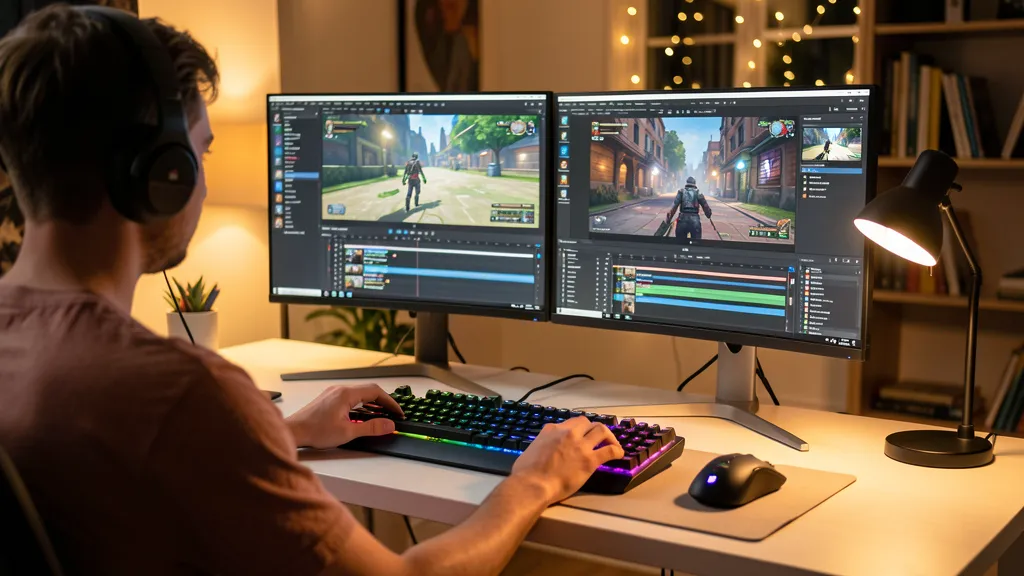
If you’re mostly playing Valorant, CS2, Apex, League, Dota, or Genshin — you don’t need a $1,000 card. You need a reliable 1080p workhorse that will last you your entire degree.
The $150-$200 tier: esports only
At this price point you’re shopping for used GTX 1660 Super, GTX 1660 Ti, or RTX 2060 cards. All three will run competitive esports titles at 1080p/high settings with 100+ FPS. The 1660 Super is the most common and usually the cheapest — just verify the fan isn’t screaming from years of gaming abuse.
What you give up: ray tracing (the GTX 1660 series doesn’t support it), DLSS upscaling (Pascal/Turing GTX cards don’t have tensor cores), and future-proofing. These cards struggle with modern AAA titles at max settings.
The $250-$350 sweet spot: the RTX 3060 12GB
If there’s one card we recommend to students more than any other, it’s the used RTX 3060 12GB. Here’s why:
- 12GB VRAM — more than the RTX 3070, 3070 Ti, and even the 4060 Ti 8GB. VRAM matters more every year as game textures get bigger.
- DLSS support — means you can turn on ray tracing and use AI upscaling to recover the performance.
- Efficient power draw (170W) — works with cheaper 550W PSUs, saves on electricity bill.
- Still widely sold used — stock is plentiful, which keeps prices competitive.
At 1080p ultra it handles Cyberpunk 2077, Hogwarts Legacy, and Baldur’s Gate 3 at 60+ FPS. At 1440p medium it’s perfectly playable in most titles.
The $350-$500 tier: future-proofing for 1440p
If you’ve already got a 1440p monitor or plan to upgrade to one, jumping to a used RTX 3070, 3070 Ti, or 3080 makes sense. The RTX 3080 10GB in particular is a beast — it outperforms the newer RTX 4060 Ti in raw rasterization and handles 1440p high settings in nearly every game.
One warning: the 3080 draws 320W. If you’ve got an older 550W PSU, budget another $80-$120 for a 750W unit. A failing PSU can damage the GPU — not a cost you want to absorb mid-semester.
What to avoid for gaming
- RTX 3050 (8GB) — overpriced used, weaker than a GTX 1660 Super in many games, and the 8GB version has memory bandwidth issues.
- Any GTX 1050 Ti, 1060 3GB, or older — these will bottleneck modern CPUs and can’t run most 2023+ titles at playable framerates.
- Mining-farm cards with no warranty — if a seller can’t show you a stress test or won’t offer any return window, walk away. Mining cards run 24/7 at high temperatures and often have degraded VRM circuitry.
Part 2: Cheap GPUs for productivity students
If you’re doing video editing, 3D modelling, CAD, photography, or machine learning coursework, the calculation changes completely. Gaming-optimised specs (high clock speed, gaming drivers) matter less. What matters is VRAM, CUDA cores, and software compatibility.
Video editing (Premiere Pro, DaVinci Resolve, Final Cut-alternatives)
NVIDIA cards dominate here because of NVENC — NVIDIA’s hardware video encoder. A 30-minute 4K export that takes 20 minutes on an AMD card can take 6 minutes on even a modest NVIDIA card. For students doing FYP documentaries, wedding gigs, or YouTube on the side, this is huge.
The minimum recommendation: used RTX 3060 12GB. The 12GB VRAM handles 4K timelines without proxy workflows, and the NVENC encoder cuts export times dramatically. At around $280 used, it’s the best value productivity GPU on the market.
If budget allows, a used RTX 4060 Ti 16GB (~$580) is the ideal student-to-freelancer upgrade. The extra 4GB over the 3060 matters when you’re working with 6K or 8K source footage, and the 40-series NVENC is faster for AV1 encoding — useful if you’re uploading to newer YouTube/Vimeo codecs.
3D modelling & CAD (Blender, SolidWorks, AutoCAD, Fusion 360)
Blender’s Cycles renderer is heavily CUDA-accelerated, so NVIDIA wins again. More VRAM = larger scenes. More CUDA cores = faster renders. Clock speed matters less than in gaming.
For architecture, product design, or mechanical engineering students, the used RTX 3060 12GB is again the sweet spot. SolidWorks and Fusion 360 don’t need monstrous GPU power — they need reliable drivers and enough VRAM to hold complex assemblies. 12GB comfortably handles student-level assemblies of 500+ parts.
Avoid the RTX 3070/3080 at this budget for pure CAD work — you’re paying for gaming performance you won’t use.
Machine learning & data science coursework
If you’re taking a CS4243, EE5934, or any NUS/NTU ML/CV module that expects you to train models locally, VRAM is king. Most beginner-to-intermediate deep learning work needs at least 8GB — 12GB or 16GB is much safer.
Our recommendation for ML-focused students:
- Tight budget: Used RTX 3060 12GB (~$280) — fits most tutorial notebooks and smaller models.
- Mid budget: Used RTX 4060 Ti 16GB (~$580) — fits larger vision models and modest transformer fine-tuning.
- Higher budget: Used RTX 3090 24GB (~$650) — when 16GB starts hitting out-of-memory errors, the 3090’s massive VRAM pool is a game-changer. It’s often cheaper used than a new 4070 and has significantly more memory.
AMD cards are not recommended for ML coursework. Most tutorials, assignments, and frameworks assume CUDA. ROCm support on consumer AMD cards remains spotty.
The “rules” of buying used as a student
1. Always check the VRAM
VRAM is non-upgradable. Once you buy an 8GB card, you have an 8GB card forever. For students specifically — who keep hardware longer than the average buyer — erring towards more VRAM usually pays off. Our GPU glossary page explains what modern VRAM requirements actually look like.
2. Always stress-test before paying
A seemingly-working card can fail under sustained load. Ask to run FurMark or 3DMark Time Spy for at least 15 minutes and watch for: artifacting (visual glitches on screen), sudden crashes, VRAM errors, or temperatures above 85°C. If the seller refuses to let you test, assume the card has a problem.
3. Ask about thermal history
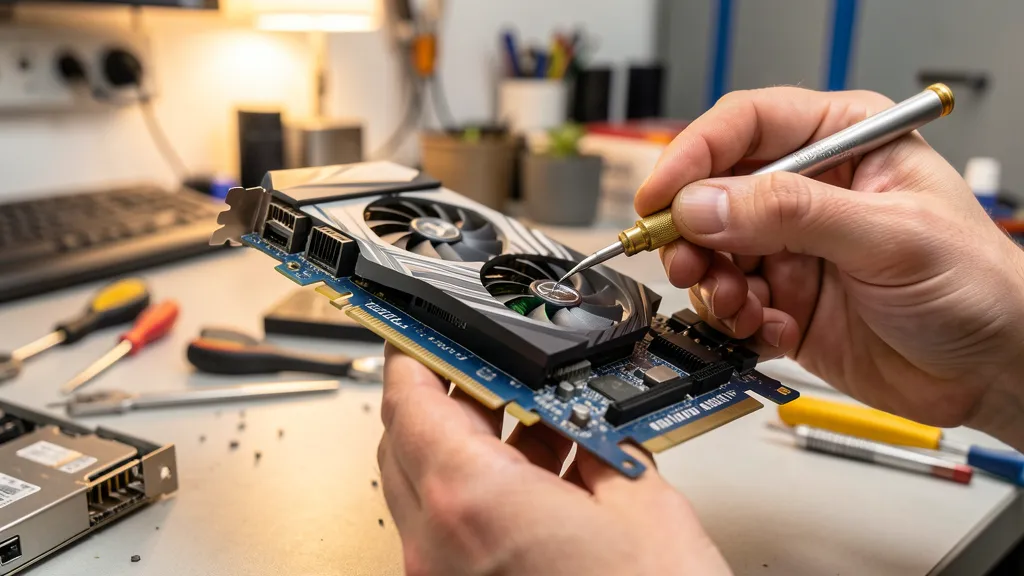
A card used primarily for mining will have dried-out thermal paste and degraded fans. A card used for casual gaming 2 hours a night is still in great shape. Ask how it was used, and budget $30-$50 for a repaste and fan service if the seller won’t confirm.
4. Budget for a PSU upgrade if needed
A student PC with a 450W PSU cannot reliably run anything above an RTX 3060. Don’t skip this check — an undersized PSU causes random crashes that are easy to misdiagnose as a faulty GPU.
5. Buy from a shop with warranty, or bring a knowledgeable friend
Carousell sellers typically offer zero warranty. A card that fails in month 2 is your problem, not theirs. Shops that specialise in used hardware (like us) stress-test everything, replace thermal paste, and stand behind the sale with an in-house warranty. For students who can’t afford to lose $300 on a dead GPU, that peace of mind matters.
What about AMD and Intel?
AMD’s RX 6600, RX 6700 XT, and RX 7600 are worth considering if you’re purely gaming and not doing any NVIDIA-specific workloads. They often come in $30-$70 cheaper than NVIDIA equivalents. For gaming-only students on the tightest budgets, a used RX 6600 at $180-$220 is legitimately competitive with an RTX 3060.
Intel Arc GPUs (A750, A770) are aggressively priced and have strong hardware, but driver stability in older games is still inconsistent. Only recommended if you’re confident you’ll only play modern titles.
For anyone doing video editing, 3D rendering, or ML — we strongly recommend sticking with NVIDIA. The software ecosystem advantage is too large to ignore.
The bottom line
For most students in Singapore in 2026, the single best GPU purchase you can make is a used RTX 3060 12GB around $280. It handles 1080p gaming at high settings, accelerates video editing, runs CAD smoothly, and has enough VRAM for beginner-to-intermediate ML coursework. Nothing else at this price point covers as many use cases.
If you’re doing heavier ML work or 4K video editing, jumping to the RTX 4060 Ti 16GB is worth it. If you only play esports titles, a used GTX 1660 Super will save you another $100.
Whatever you pick, buy from someone who tests and warranties their cards. A student budget has no room for a $300 mistake.
Need a GPU recommendation for your specific coursework?
WhatsApp us your budget, what you’ll use it for, and your current system specs. We’ll recommend what’s in stock and what makes sense — no upselling.

