
AI Image Generation PC Singapore
Custom-built PCs for Stable Diffusion, FLUX.1, ComfyUI, and AI art generation. VRAM is the only spec that matters for generation speed. Starting from $600.
How AI Image Generation Uses Your Hardware
Stable Diffusion, FLUX.1, and similar AI image models run their inference pipeline entirely on the GPU. The model must fit in GPU VRAM to generate at full speed. If the model overflows to system RAM, generation speed drops from seconds per image to minutes per image. NVIDIA CUDA is strongly preferred — AMD support exists but is slower and less reliable across tools.
4 GB VRAM minimum. RTX 3060 12GB generates 512×512 images in under 10 seconds.
8–10 GB VRAM recommended. RTX 3060 12GB or RTX 3070 8GB both handle SDXL well.
12–16 GB VRAM for full precision. RTX 3080 10GB runs FP8 quantized FLUX.1 at usable speeds.
Both frontends work on all builds. ComfyUI is more memory-efficient for large batches.
Model Compatibility by Build
| Build | VRAM | Models Supported | Speed (SD 1.5) |
|---|---|---|---|
| RTX 3060 Build | 12 GB | SD 1.5, SDXL, most LoRA workflows | ~4–8 sec/img |
| RTX 3070 Build | 8 GB | SD 1.5, SDXL (optimised), ControlNet | ~3–6 sec/img |
| RTX 3080 Build | 10 GB | SD 1.5, SDXL, FLUX.1 FP8, batch workflows | ~2–4 sec/img |
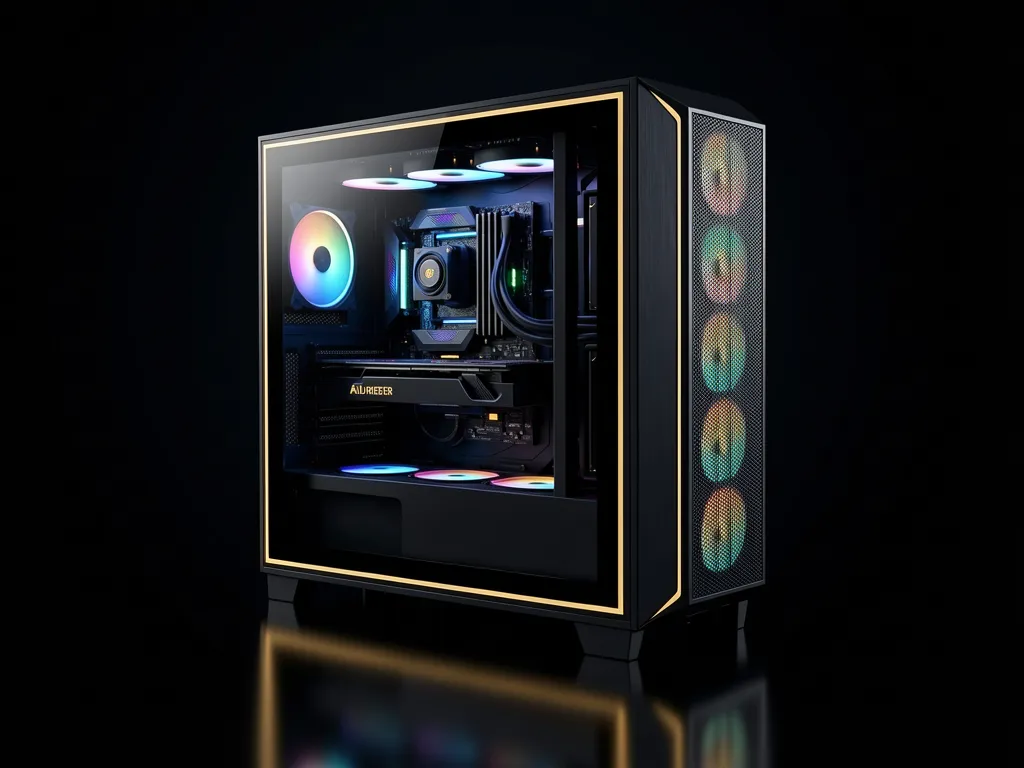
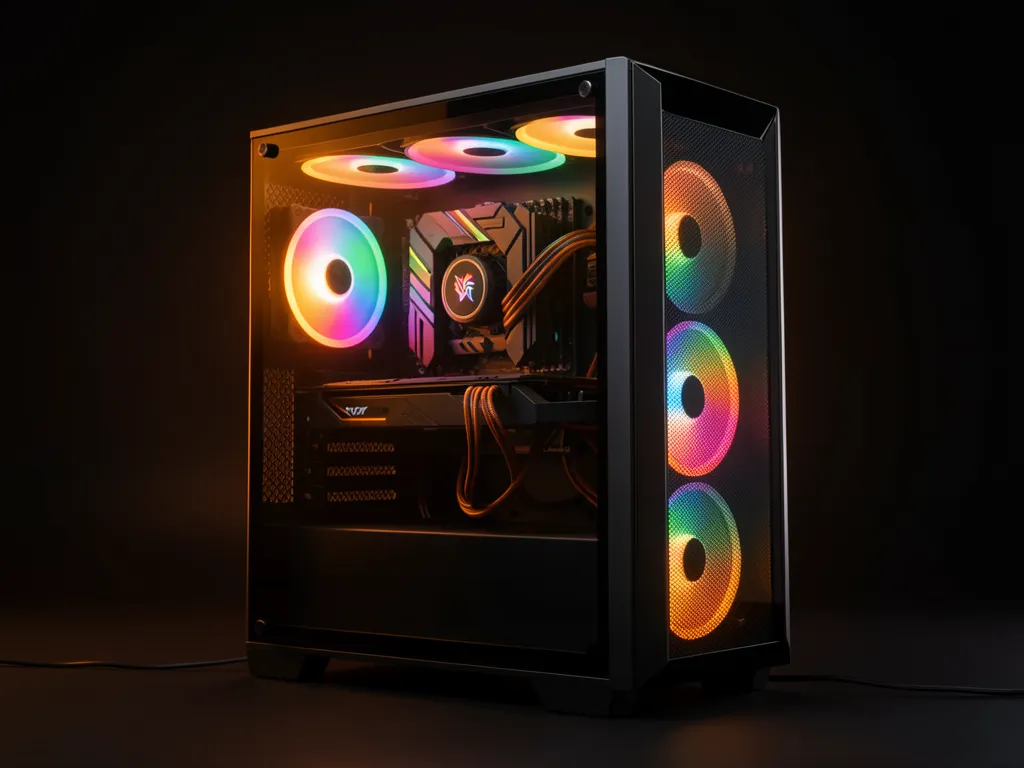
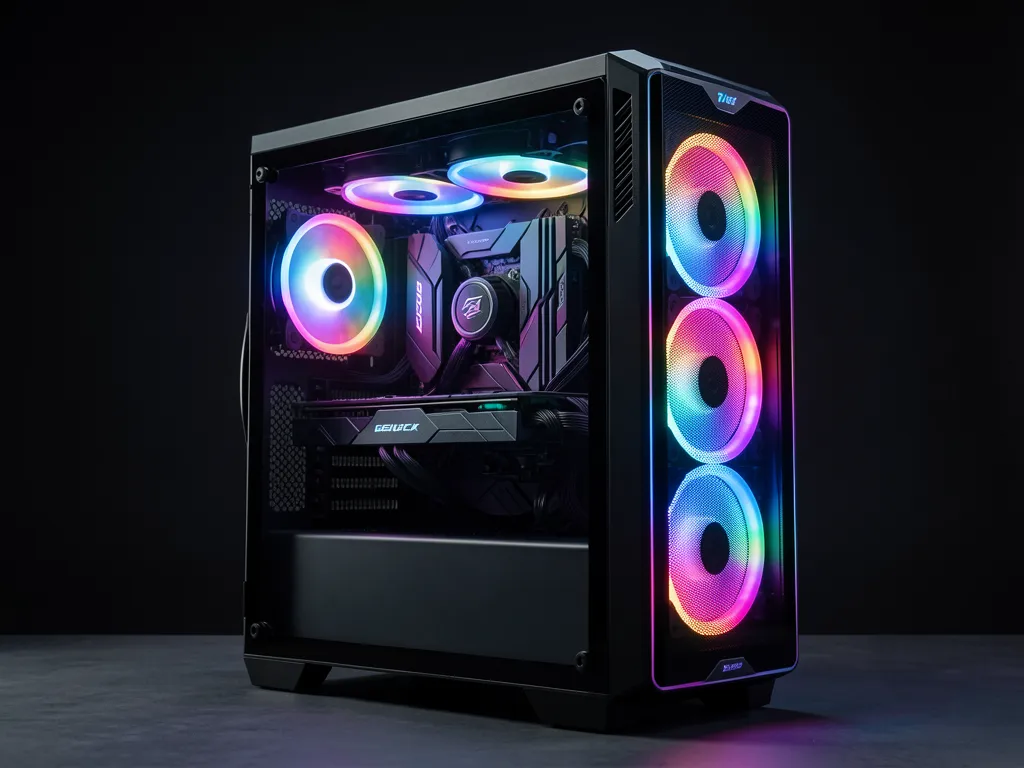
AI Image Generation Desktop Build Tiers
ⓘ Prices are estimated builds — WhatsApp for exact quote.
Frequently Asked Questions
What software do I use to run Stable Diffusion?
The most popular options are Automatic1111 (A1111) and ComfyUI. A1111 has a simpler UI and is better for beginners; ComfyUI is node-based and more powerful for complex workflows. Both run on Windows with an NVIDIA GPU and are free to install.
Why is the RTX 3060 12GB the best entry choice despite being a lower-tier card?
The RTX 3060 12GB is an unusual card — it has more VRAM than the RTX 3070 8GB despite being cheaper. For AI image generation, VRAM capacity is more important than raw GPU speed, so the RTX 3060 12GB fits more models in VRAM and handles SDXL without memory offloading tricks.
Can I use AMD GPU for Stable Diffusion?
Technically yes via DirectML or ROCm, but AMD support is less reliable and slower across most frontends. NVIDIA CUDA is the standard for AI tools. Unless you have a specific reason to use AMD, we recommend sticking with NVIDIA for AI image generation.
How much storage do I need for AI image generation?
Each Stable Diffusion model is 2–7 GB. ControlNet models are 1–3 GB each. If you collect multiple models and LoRAs, storage fills up quickly. Our base builds include 512 GB SSD — we recommend upgrading to 1 TB if you plan to use multiple models. WhatsApp us to include a storage upgrade.
Can the same PC run AI image generation and gaming?
Yes — all three builds handle both gaming and AI image generation. The RTX 3060 12GB is particularly versatile: excellent VRAM for AI generation and solid 1080p gaming performance.
