
Blender PC Singapore
Custom-built Blender workstations spec’d for 3D modelling, sculpting, and GPU rendering via Cycles/EEVEE. NVIDIA RTX GPU essential. Starting from $700.
Blender Render Times: GPU vs CPU
Blender’s Cycles renderer uses your GPU via CUDA/OptiX. A scene that takes 4 hours to render on CPU can finish in 10–20 minutes on an RTX 3070. VRAM is the key constraint — the entire scene must fit in GPU VRAM to render on GPU.
Entire scene must fit in VRAM for GPU rendering. RTX 3060 (12GB) handles most scenes; RTX 3080 (10GB) for mid-complex; RTX 3070 (8GB) for standard work.
32 GB recommended for complex scenes, simulations, and animation. 16 GB sufficient for modelling and simple renders.
Multi-core helps with physics simulations and CPU rendering fallback. Ryzen 5 5600X is the sweet spot for budget builds.
→ Full breakdown: Blender PC Requirements guide
Blender Desktop Build Tiers
ⓘ Prices are estimated builds — WhatsApp for exact quote. RAM upgradeable to 32 GB on request.
Stock changes frequently. WhatsApp 9131 8317 to confirm availability and exact pricing.
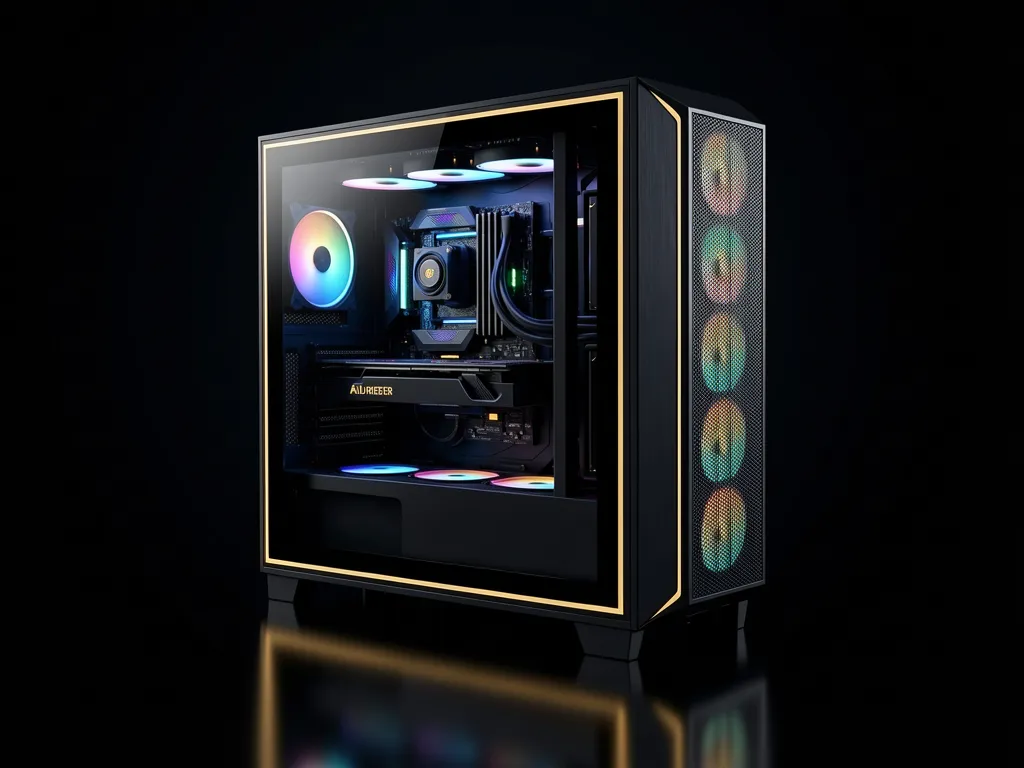
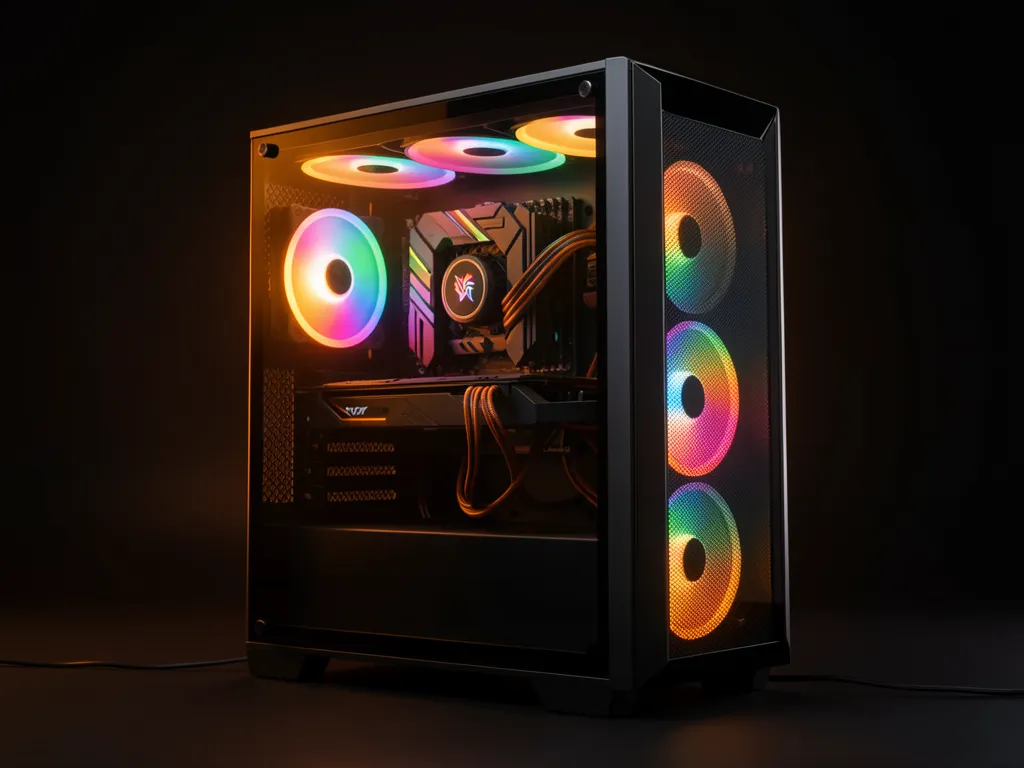
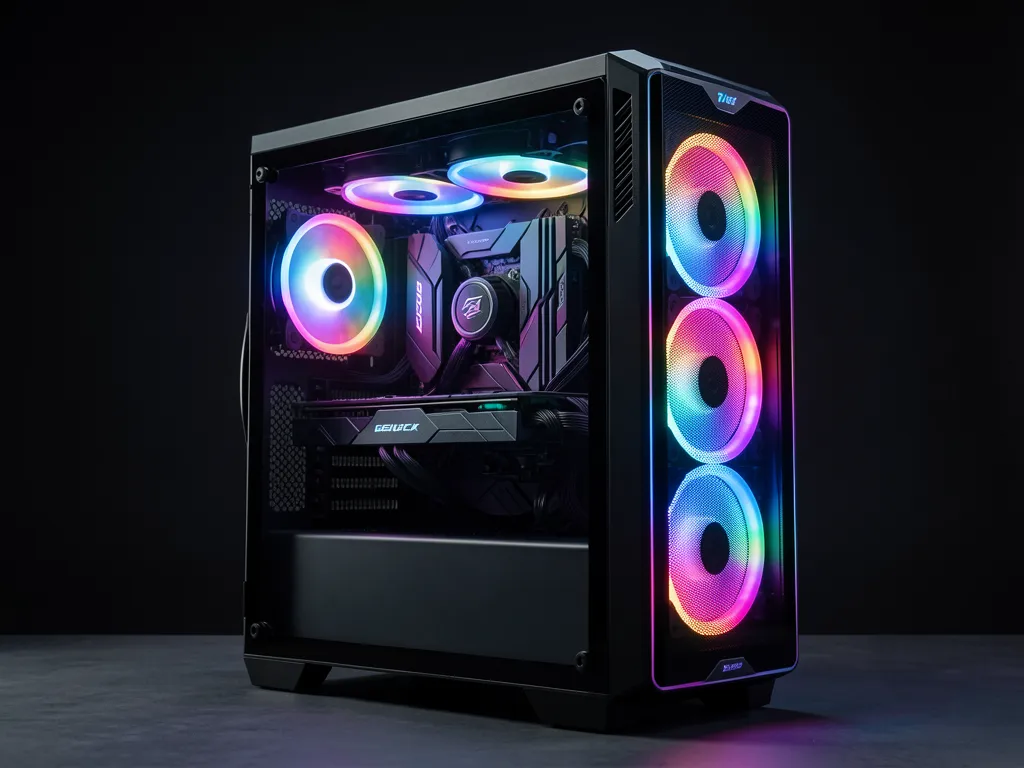
All builds use refurbished components tested in-house • Windows 11 available on request • RAM upgradeable to 32 GB • Prices exclude monitor, keyboard & mouse
Frequently Asked Questions
Does Blender work better with NVIDIA or AMD?
NVIDIA wins for Blender. OptiX ray tracing on RTX cards is significantly faster than AMD HIP, and CUDA compatibility is more reliable across Blender versions.
Why does the RTX 3060 have more VRAM than the RTX 3070?
The RTX 3060 12GB is a unique card — it has more VRAM than the RTX 3070 8GB despite being a lower-tier GPU. For Blender, the RTX 3060 12GB is often the better choice if your scenes are large but don’t require raw GPU speed.
Can I upgrade RAM later?
Yes — all builds support RAM upgrades to 32 GB. WhatsApp us to include an upgrade in your quote.
Get a Blender PC Quote
Tell us your scene complexity and render workflow — we’ll spec the right build.
