
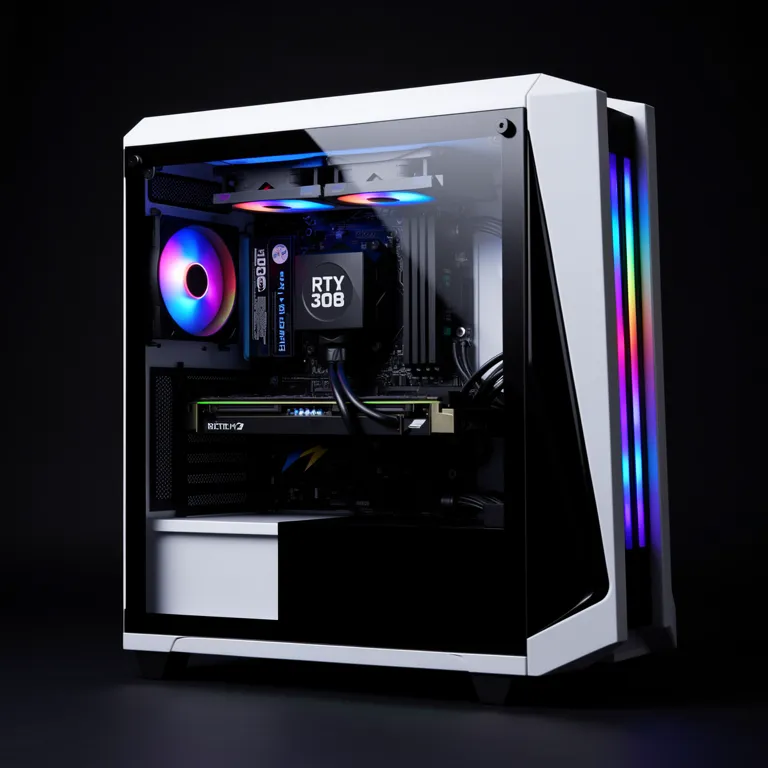
⚡ Optimum spec (our verdict): i5-12400 / Ryzen 5 5600 + used RTX 3060 12GB or RTX 4060, 16 GB RAM, NVMe SSD — 1080p60 at high settings with DLSS Quality, the experience the developers tuned for. Complete tested used build ≈ $800–$1,000 in Singapore.
Black Myth: Wukong is one of the most demanding games ever shipped — Unreal Engine 5 with Nanite geometry and Lumen lighting running at full tilt. The single most important thing to understand before buying hardware: this game is designed around upscaling. The performance targets assume DLSS or FSR is switched on. Judged that way it’s actually well optimised; judged at native resolution, almost nothing runs it fast.
That reshapes buying advice in NVIDIA’s favour: DLSS-capable RTX cards punch far above their raster class here.
The tier guide
| Experience | GPU | Settings | Result |
|---|---|---|---|
| Bare minimum | GTX 1060 6GB | Low, FSR Performance | 30–40 FPS, rough |
| Optimum: the sensible target | RTX 3060 / 4060 | High, DLSS Quality, 1080p | ~60 FPS |
| 1440p high | RTX 4070 Super / 3080 | High, DLSS | 60+ FPS |
| Full ray tracing | RTX 4080-class | Very High + RT, DLSS + FG | 60 FPS |
Supporting cast at every tier: a 6-core CPU (i5-12400 / Ryzen 5 5600 class) for UE5’s asset streaming, 16 GB RAM minimum (32 GB for comfort), and an NVMe SSD — the install is 130+ GB and streams constantly.
Upscaling and frame generation, explained honestly
- DLSS/FSR upscaling renders internally at a lower resolution and reconstructs the image. At the Quality preset the result is near-native — and worth 30–50% more FPS. This is the reason a used RTX 3060 delivers Wukong’s intended high-settings experience while a raster-equivalent GTX card cannot.
- Frame generation (RTX 40 series, or FSR 3 on AMD) inserts AI-generated frames. It makes a 50 FPS base feel like 90 — but generating frames from a 30 FPS base adds latency and artefacts. Don’t use it to rescue a card that’s fundamentally too slow.
- Benchmark before you buy blind: Game Science released a free standalone Wukong benchmark tool — if you’re unsure whether your current PC copes, run it before spending anything.
The frame-rate goal here is different from esports titles: this is a 60 FPS action game, not a 240 FPS shooter. A stable 60 with good frame pacing beats a fluctuating 80.
The upgrade argument
Wukong is the single strongest reason we see customers finally retire GTX-era cards. A GTX 1660 Super that happily runs Elden Ring at 60 FPS manages barely half that in Wukong on low. Meanwhile a used RTX 3060 — thanks to DLSS — delivers the intended experience for a very reasonable price on Singapore’s second-hand market.
- Value pick — the optimum: used RTX 3060 12GB or RTX 4060 — 1080p60 high with DLSS Quality. Compare real used prices in the RTX 3060 vs 4060 vs 5060 guide.
- The step up: used RTX 3070 / 4060 Ti for higher settings headroom — see the RTX 3000 vs 4000 vs Radeon comparison for the full price map.
- VRAM note: 8 GB is the practical floor; the 12 GB RTX 3060 is oddly future-proof here.
- AMD buyers: Radeon runs Wukong fine with FSR, but DLSS’s image quality advantage is visible in this title. It’s one game where the NVIDIA premium is justified.
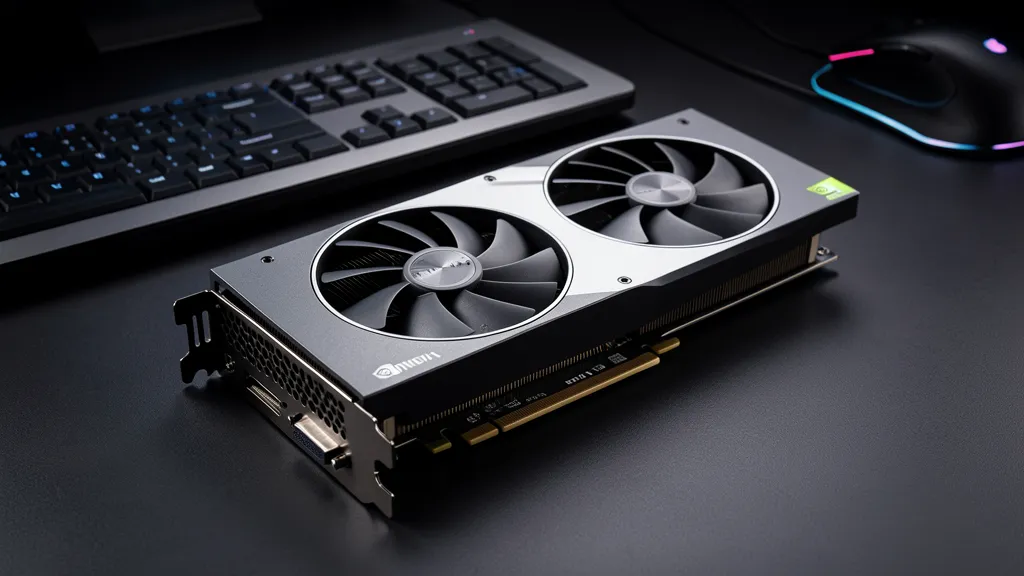
A complete used build hitting the sensible target runs roughly $800–$1,000 — the used gaming PC buying guide covers what to verify before buying, and our used graphics card stock is stress-tested before sale.
Keep it cool — Wukong will find your thermal problems
This game loads CPU and GPU near 100% for hours. Systems with dust-clogged coolers that survive lighter games throttle hard here — FPS starts fine and sags after 20 minutes. If that pattern sounds familiar, a desktop clean and repaste from $50 is the cheapest FPS upgrade available; laptop players should read why laptops overheat.
FAQ
Is DLSS "fake frames"? Upscaling at Quality is near-native visually, and it’s how the developers tuned the game. Frame generation is more situational — great above 60 base FPS, mushy below.
Will 16 GB RAM stutter? Occasionally in dense areas with browsers open. 32 GB smooths it out and is cheap on DDR4 — an easy desktop upgrade.
My PC runs Cyberpunk — can it run Wukong? Roughly one tier harder. If Cyberpunk runs at 75 FPS, expect Wukong around 60 at similar settings.
Stress-tested used RTX 30 & 40 series cards in stock, matched to your target settings — collect from 4 locations islandwide.
{“@context”:”https://schema.org”,”@type”:”FAQPage”,”mainEntity”:[{“@type”:”Question”,”name”:”What GPU do you need for Black Myth: Wukong?”,”acceptedAnswer”:{“@type”:”Answer”,”text”:”A used RTX 3060 12GB or RTX 4060 runs Wukong at 1080p60 on high settings with DLSS Quality — the experience the developers tuned for. A complete tested used build costs around $800–$1,000 in Singapore.”}},{“@type”:”Question”,”name”:”Can a GTX card run Black Myth: Wukong?”,”acceptedAnswer”:{“@type”:”Answer”,”text”:”A GTX 1060 6GB meets the bare minimum at low settings with FSR at 30–40 FPS. It’s playable but rough — Wukong is one of the strongest arguments for upgrading to a used RTX 30 or 40 series card.”}},{“@type”:”Question”,”name”:”Is DLSS required for Black Myth: Wukong?”,”acceptedAnswer”:{“@type”:”Answer”,”text”:”Effectively yes on mid-range hardware — the game’s performance targets assume upscaling is on. DLSS Quality looks near-native and adds 30–50% FPS.”}},{“@type”:”Question”,”name”:”How much RAM does Black Myth: Wukong need?”,”acceptedAnswer”:{“@type”:”Answer”,”text”:”16 GB minimum; 32 GB smooths out dense areas and is cheap to add on DDR4 systems. An NVMe SSD is also strongly recommended for the 130+ GB install.”}}]}

