
A brand-new mid-range gaming PC in Singapore runs $1,200 to $2,000. The second-hand market tells a completely different story. Same performance, half the price — sometimes less — if you know where to look and what to avoid. This guide covers every channel for buying a cheap used gaming desktop in Singapore, realistic prices for 2026, and the checks that separate a bargain from an expensive mistake.
🎮 Why Buy a Used Gaming PC?
GPUs depreciate fast. An RTX 3080 that cost $1,400 new in 2022 trades for $500–$650 used today. The gaming performance is identical. That gap is the entire case for buying used. Check our RTX 3000 vs 4000 vs Radeon comparison to understand exactly which tier suits your budget and resolution.
📍 Where to Buy a Cheap Used Gaming PC in Singapore
1. Affordable Laptop Services — Tested Builds With Warranty
The safest option for buying a used gaming PC in Singapore. Affordable Laptop Services sells certified complete gaming desktops at our outlets — every unit is stress-tested before sale and comes with an in-house warranty. No private-sale risk, no need to run benchmarks yourself, and a physical store to return to if anything goes wrong. We also carry individual used GPUs and second-hand PC parts if you prefer to build your own.


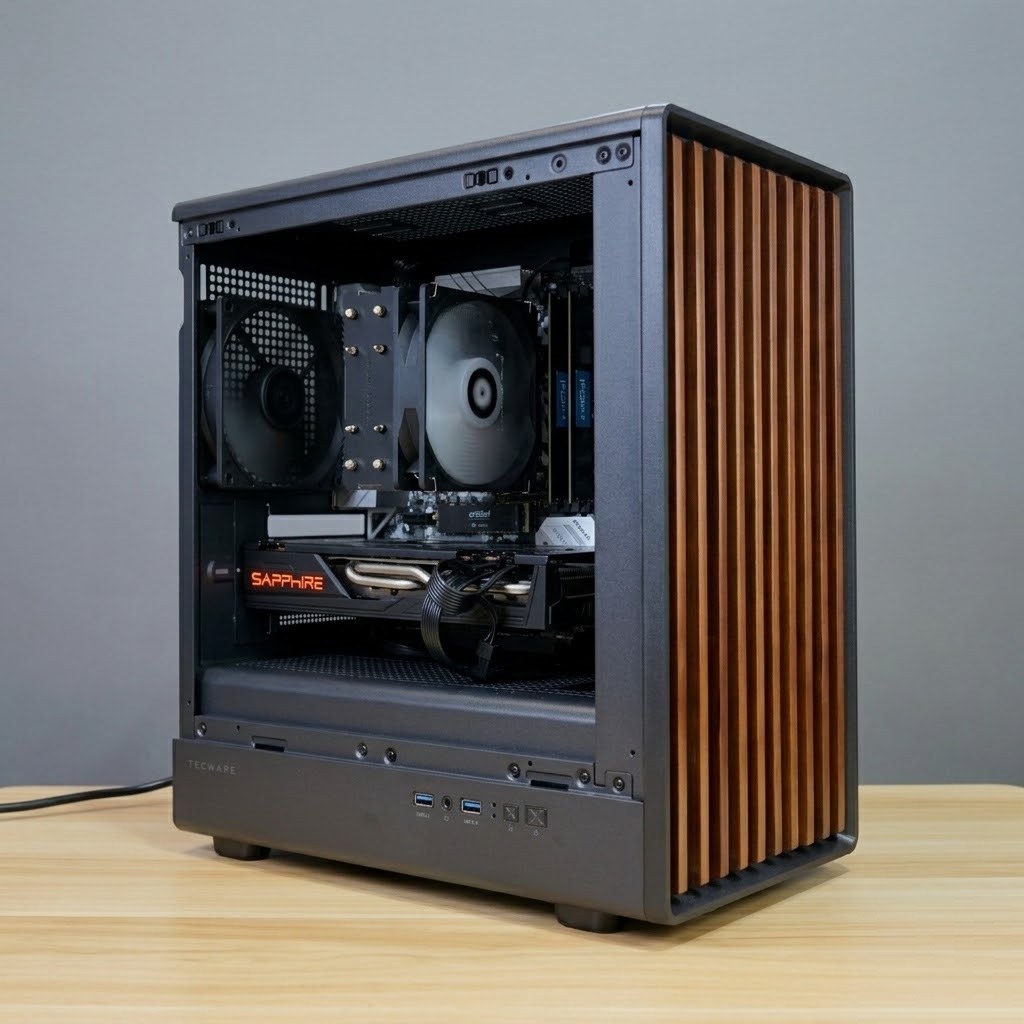


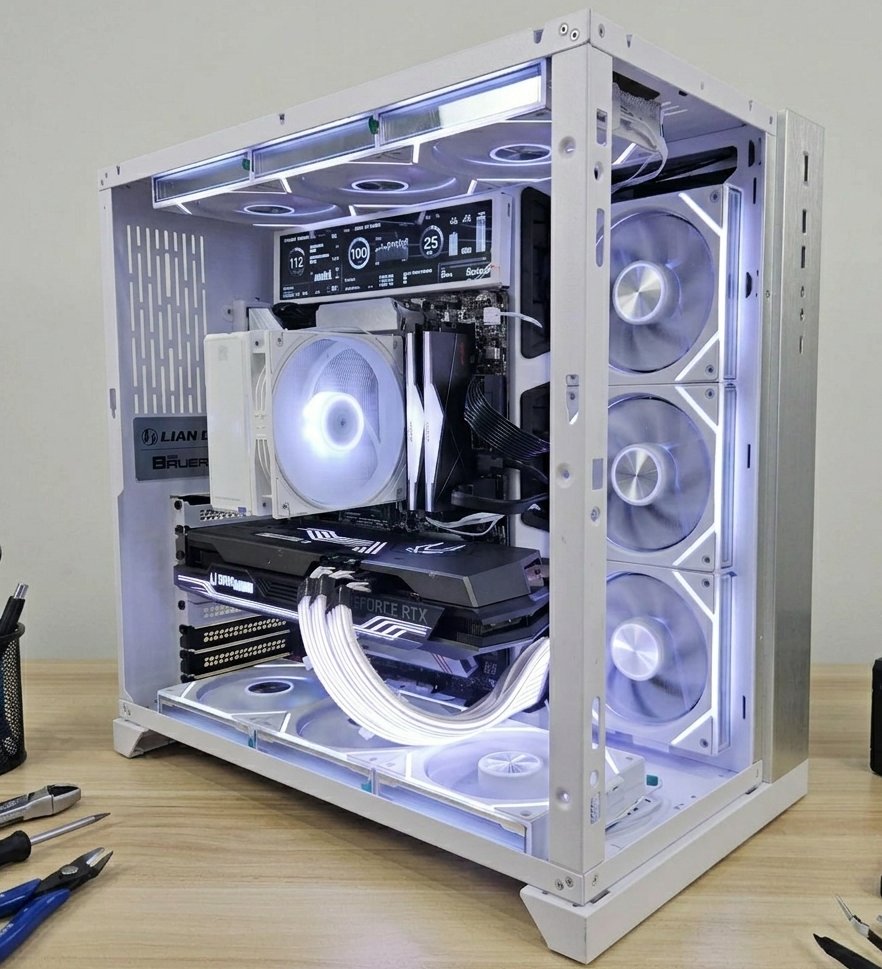
Stock changes frequently — WhatsApp 9750 4333 to confirm availability before coming down. All builds stress-tested and warranted. View all builds →
Locations: Ang Mo Kio | Jurong East | Bugis | Marine Parade — open daily 11am–9pm.
Best for: First-time buyers, anyone who wants a warranty, buyers who don’t want to inspect components themselves.
2. Carousell
Carousell Singapore is the largest C2C marketplace in the country. The used gaming PC category is very active — listings updated daily, prices running 10–20% below shops. The trade-off is no warranty and no recourse after payment, so inspecting in person is non-negotiable.
Tips for buying safely on Carousell:
- Always inspect in person — never pay upfront before seeing the unit
- Ask the seller to run GPU-Z and CPU-Z before meeting so you can verify specs match the listing
- Run a 10-minute FurMark stress test on the spot — a seller who refuses is almost certainly hiding something
- Check seller account age and review count — accounts with no history are higher risk
- Negotiate based on what you observe, not just what is listed
Best for: Experienced buyers comfortable with private-sale risk who can test components themselves.
3. HardwareZone Forums (HWZ Buy/Sell/Trade)
The HardwareZone Buy/Sell/Trade forum is Singapore’s longest-running tech marketplace, active for over 20 years. Sellers are typically more knowledgeable than average Carousell users — listings include full specs, original receipt details, and honest usage history. The community self-polices, which keeps scam risk lower. Prices are similar to Carousell but listing quality is generally much higher.
Best for: Enthusiasts who want detailed specs and an informed seller community.
4. Facebook Marketplace
Facebook Marketplace Singapore is active and local. Facebook profiles add a layer of accountability versus anonymous listings, and the map-based search makes finding nearby sellers easy. Apply the same inspection approach as Carousell — meet in public, test before paying, never transfer money in advance.
Best for: Quick local deals, casual buyers already on Facebook.
5. Shopee and Lazada
Both Shopee and Lazada carry used and refurbished PC listings from local sellers. Quality varies widely and the inability to inspect before buying is a significant downside for complete builds. More reliable for individual used components — RAM, SSDs, PSUs — where the risk is lower than a full system.
Best for: Individual components, not complete builds.
🔎 What to Check Before You Buy
Whether you’re buying from a shop or a private seller, these are the checks that matter.
GPU — The Most Important Check
- Run GPU-Z — verify card model, VRAM, and that PCIe bus shows x16 (not x4)
- FurMark for 10 minutes — temperature should stabilise below 85°C. Crashes, throttling, or visual artefacts are disqualifying
- Test all display outputs — plug into both HDMI and DisplayPort and verify both work
- Fan spin test — all fans should spin freely under load without grinding or rattling
CPU and RAM
- CPU-Z — verify model and clock speeds match the listing
- Cinebench R23 — scores should be within 5% of published benchmarks; significantly lower scores indicate thermal throttling
- RAM — confirm all slots populated and running at the listed speed in CPU-Z
Storage
- CrystalDiskInfo — check SSD health; below 80% is a flag. Check total bytes written against the drive’s rated TBW
PSU and Cooling
- Ask for PSU brand and wattage — no-name PSUs fail unpredictably and can damage other components
- Check all case fans spin and that the heatsink isn’t caked in dust
GPUs used for crypto mining run at 100% load 24/7 for months or years. Signs include noisy fan bearings, VRAM temperatures that spike fast, and completely dried-out thermal pads. Always stress-test before buying — a seller who refuses a 10-minute FurMark test is almost certainly hiding mining damage.
💰 2026 Price Guide — What to Pay
Realistic Singapore market prices for complete used gaming builds in 2026. Shop prices include warranty and testing; private sale prices run 10–20% lower but come with no warranty. For a deeper GPU breakdown, see our RTX vs Radeon comparison guide.
Prices are for complete builds including CPU, motherboard, RAM, SSD, PSU, and case. Want GPU-only? See our used graphics cards page.
⚖ Shop vs. Private Sale
✓ Certified Shop
- Stress tested before sale
- In-house warranty included
- Physical store to return to
- No mining cards
- ~10–20% more than private
Private Sale
- Lower price
- No warranty — as-is
- Must inspect yourself
- No recourse after payment
- Risk varies by seller
For first-time buyers or anyone not confident testing components, a certified shop is worth the premium. For experienced builders who can run benchmarks and read GPU-Z, private sales offer real savings.
✅ What to Do After You Buy
Even if the PC passed pre-purchase checks, do these immediately after getting it home:
- Full stress test — run FurMark + Prime95 together for 30 minutes to surface marginal thermal or power issues a quick test might miss
- Thermal paste check — CPU temps above 85°C under load means paste needs replacing. Our thermal paste service starts from $50 and makes a big difference on older builds
- Dust clean — compressed air through all vents and fans; used PCs accumulate years of dust that throttles performance. Our desktop PC cleaning service starts from $50
- Fresh Windows install — wipe the previous owner’s installation for a clean start, no leftover drivers or privacy issues
Affordable Laptop Services can run a full health check, replace thermal paste, clean the internals, and verify all components are performing correctly. Walk in at any of our 4 outlets — no appointment needed.
❓ Frequently Asked Questions
Is it safe to buy a used gaming PC in Singapore?
Yes, if you take the right precautions. Buy from a certified shop for peace of mind, or from a private seller only if you can inspect and stress test in person. The main risks — mining damage, hidden faults, spec misrepresentation — are all manageable with the checks covered in this guide.
What is a fair price for a cheap gaming PC in Singapore?
Entry-level 1080p builds with an RX 6600 XT start from around $480 at certified shops. A complete 1080p/1440p build with an RTX 3060 Ti runs $630–750 from a shop and $520–620 private in 2026. See the full price table above for all GPU tiers.
How do I know if a GPU has been used for mining?
Run FurMark for 10–15 minutes and watch temperature and clock behaviour. Mining cards often show faster-than-normal temperature rise, noisy fans from worn bearings, and VRAM temperatures that spike quickly. A seller who refuses a stress test is a major red flag.
Should I buy a complete PC or build my own from used parts?
A complete used build is simpler, faster, and often better value than sourcing individual parts at mid-range. If you prefer to build your own, check our used PC parts page for tested individual components.
Does Affordable Laptop Services sell used gaming PCs with warranty?
Yes. All complete gaming builds at Affordable Laptop Services are stress-tested before sale and come with an in-house warranty. View all current builds → or WhatsApp 9750 4333 to confirm what is available before visiting.
Ready to Get Your Gaming PC?
Call us now or WhatsApp your budget — we’ll confirm what’s in stock and ready to go.
4 Locations: Ang Mo Kio | Jurong East | Bugis | Marine Parade
Open Daily: 11am – 9pm

