
DESKTOP PC SERVICE SINGAPORE
PC Cleaning & Upgrade Service
From $50 — Drop In Anytime
Is your PC running hot, loud, or slow? Dust kills performance. A full internal clean, new thermal paste, and the right upgrades can make your old desktop feel brand new — for a fraction of the cost of a new one.
⚠ Signs Your PC Needs a Clean
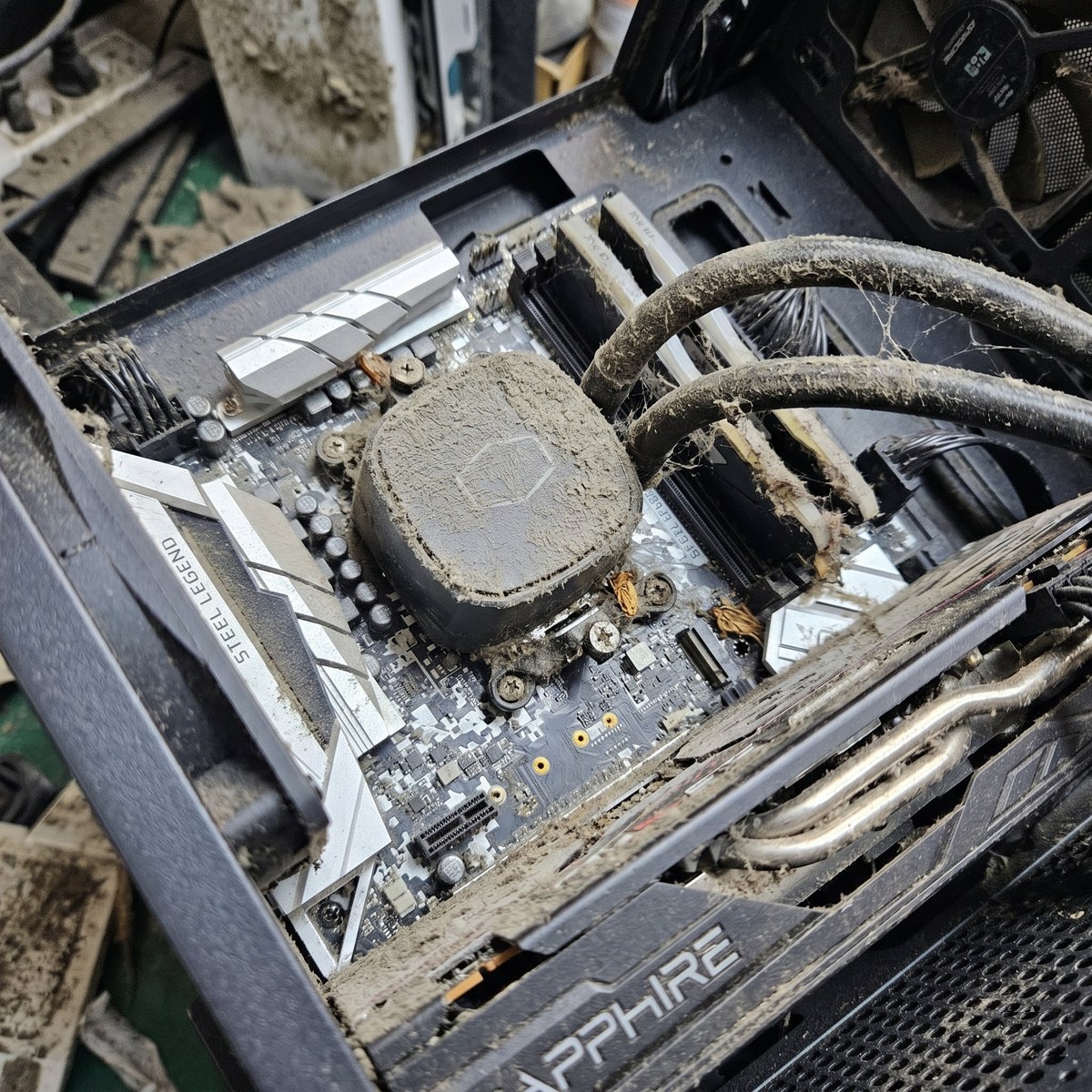
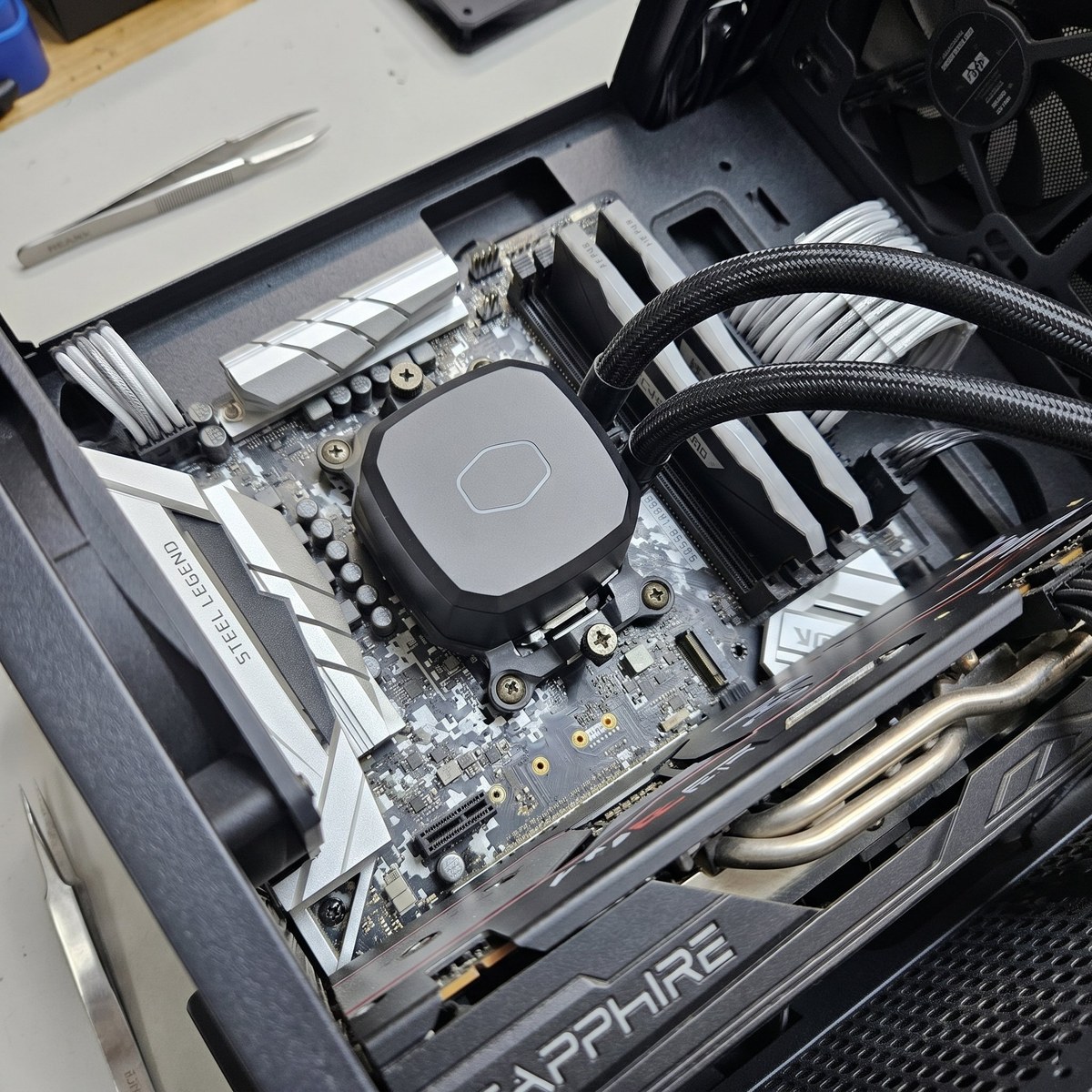
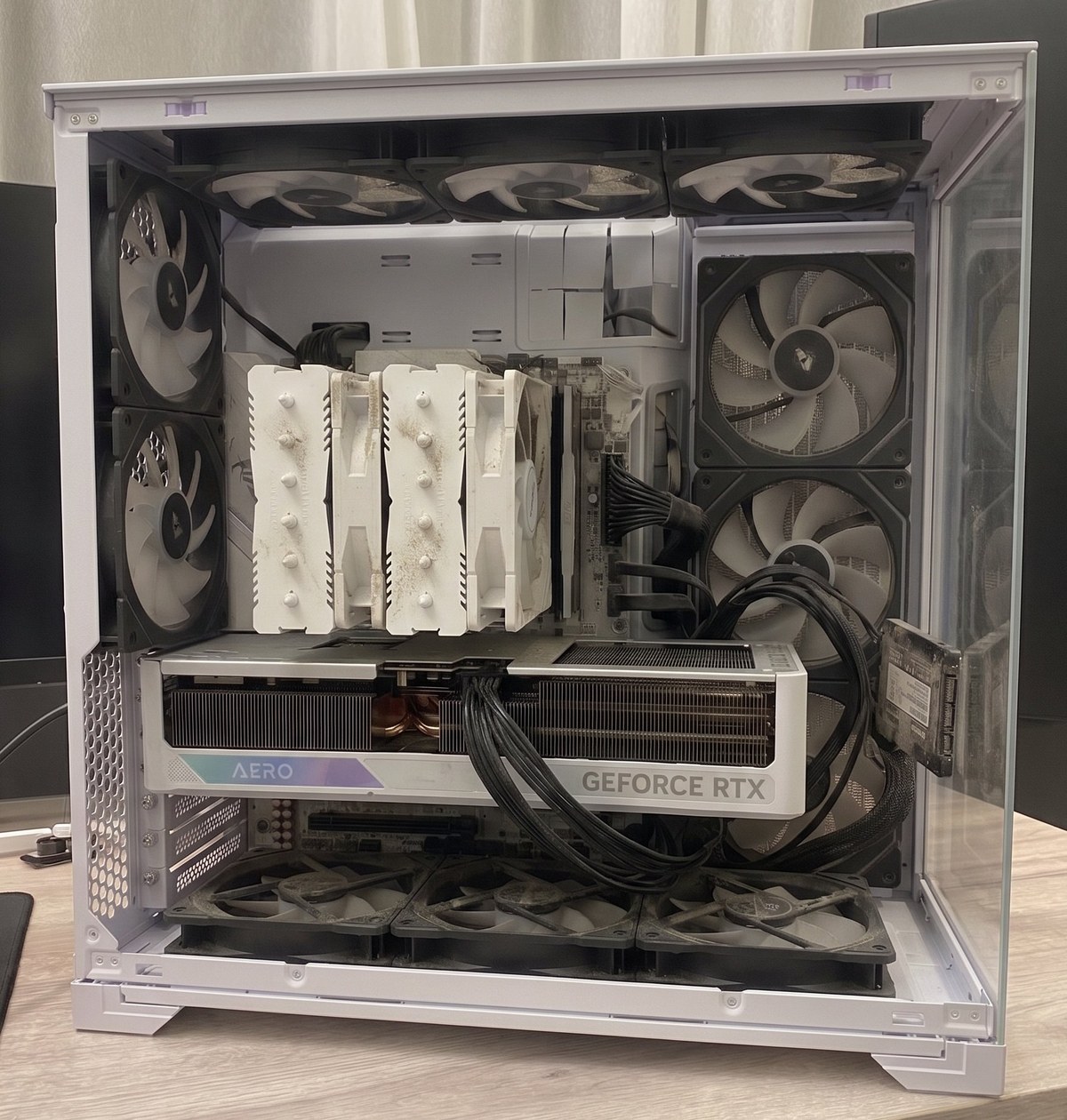
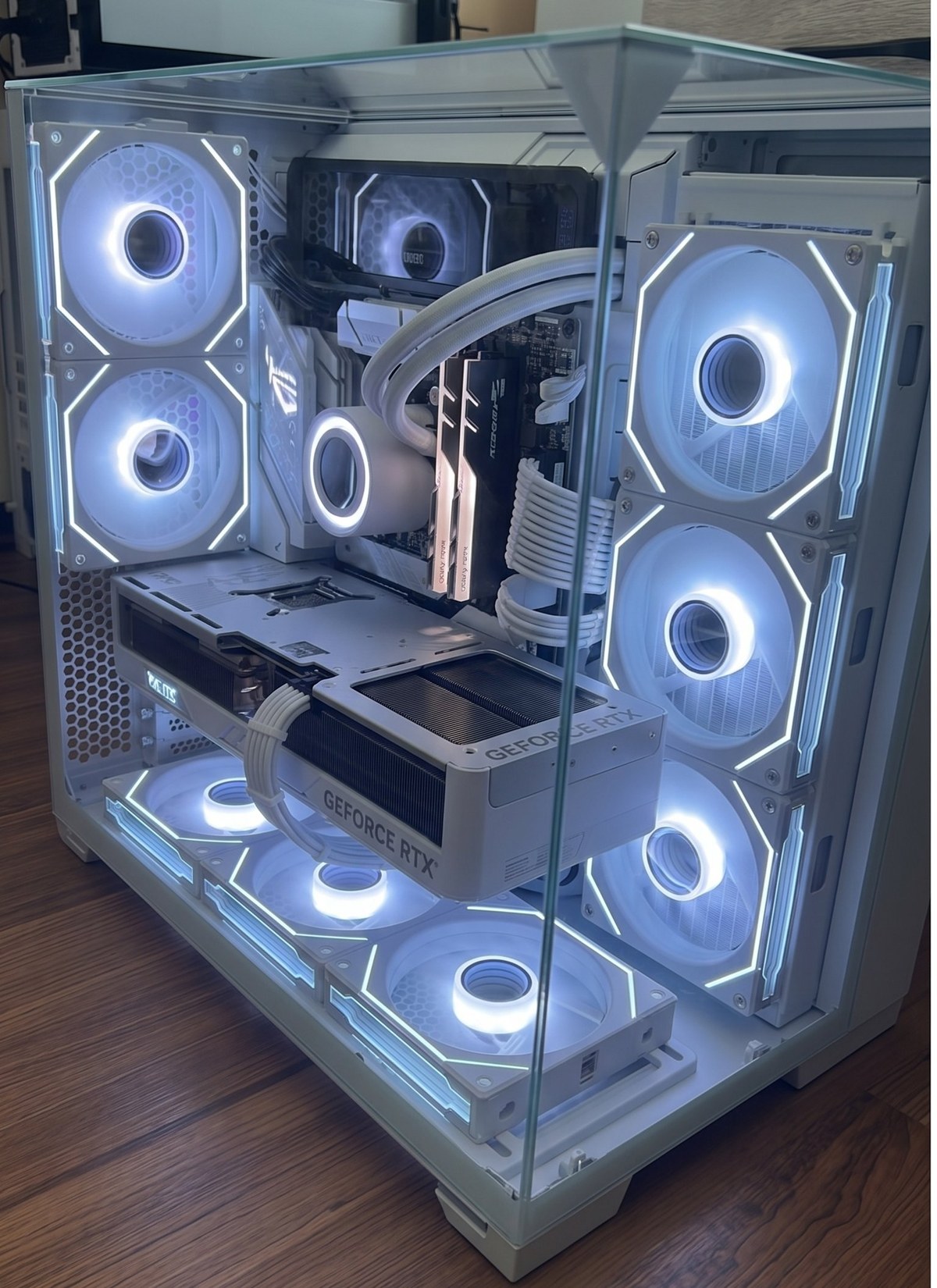
THE DIFFERENCE IS NIGHT & DAY
Before & After
Real PCs we’ve cleaned and rebuilt in our shop. Temperatures dropped by 20–35°C after a full service.
THE NUMBERS DON’T LIE
What Cleaning & Repasting Actually Does
Dust and dried thermal paste are silent performance killers. Here’s what changes after a full clean and fresh paste application — measured before and after on real customer PCs.
| Metric | Before | After | Improvement |
|---|---|---|---|
| CPU Idle Temp | 55–65°C | 30–40°C | ↓ ~25°C |
| CPU Load Temp | 90–100°C | 60–75°C | ↓ 20–35°C |
| GPU Load Temp | 85–95°C | 60–75°C | ↓ 15–25°C |
| CPU Clock Speed | Throttled | Full boost | ↑ 20–40% |
| Fan Noise | Very loud | Quiet | Much quieter |
| Stability | Crashes | Stable | No crashes |
| In-Game FPS | Drops & stutters | Smooth | ↑ 10–25% |
| Thermal Paste | Dried / cracked | Fresh compound | ↓ 10–20°C |
| PC Lifespan | At risk | Extended | +2–5 years |
Results based on real customer PCs serviced at our shops. Actual improvement varies by PC age, dust level, and components.
TRANSPARENT PRICING
Cleaning & Upgrade Packages
No hidden fees. What you see is what you pay. Diagnosis is free.
BASIC
Standard Clean
$50
FULL SERVICE
Deep Clean + Upgrade
$80 + parts
PREMIUM
Full Rebuild & Remount
$120 + parts
FRESH START
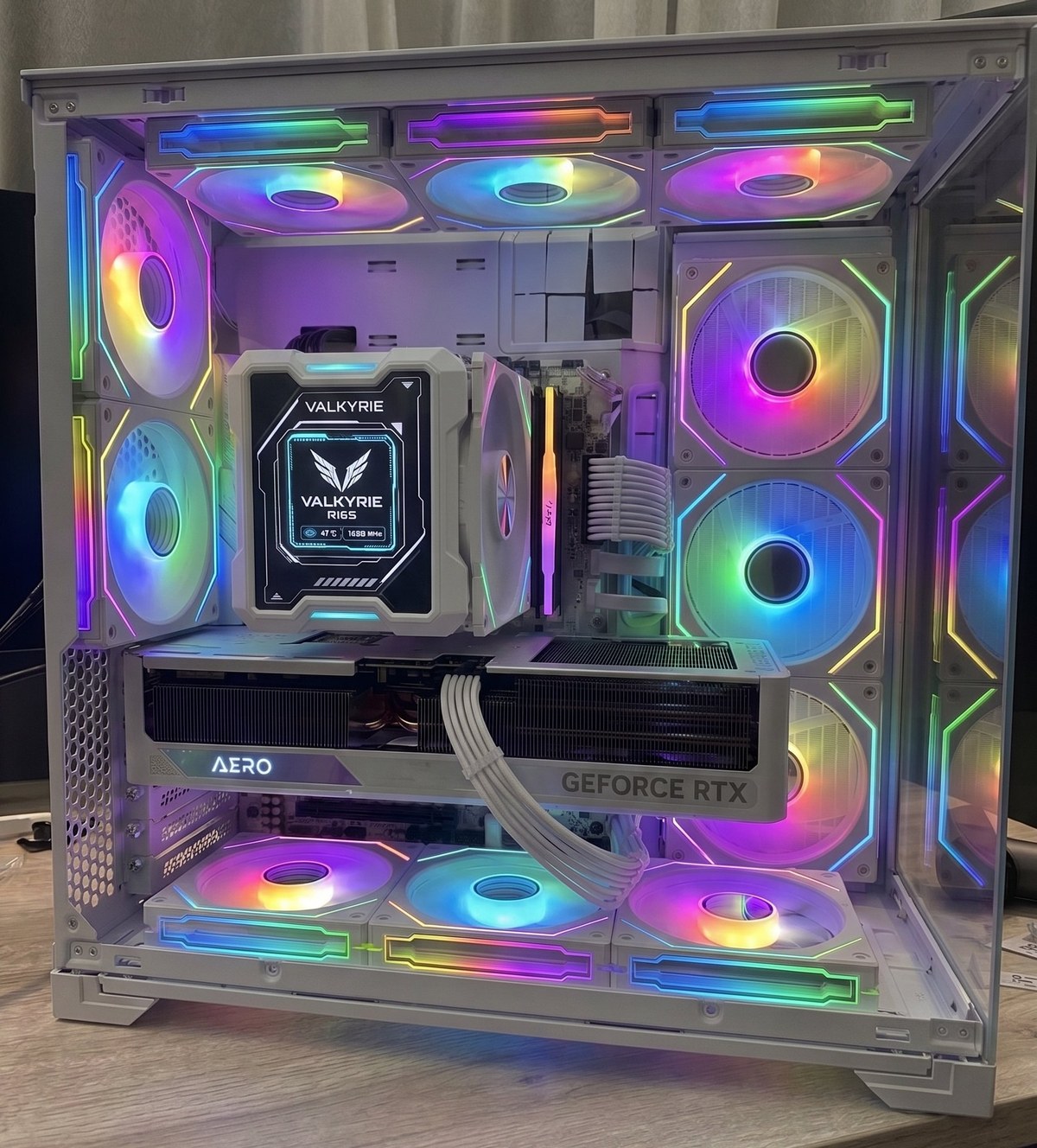
New Cases Available In-Store
Sometimes the best upgrade is a fresh case — better airflow, cleaner look, and room to grow. We stock these in-store and can transfer your existing parts in during the same visit.
WHILE IT’S OPEN
Popular Upgrades We Do On The Same Visit
Once we have your PC open, adding an upgrade takes minutes. Most customers combine cleaning with at least one upgrade.
WHAT WE USE
Thermal Paste We Apply
Not all thermal compounds are equal. We choose the right paste for each job — from everyday repastes to high-performance cooler installs.
EVERYDAY REPASTE
Arctic MX-4
Our go-to for standard desktop cleaning jobs. Carbon-based, non-conductive, extremely easy to apply evenly. 8.5 W/mK thermal conductivity — excellent for most CPUs and GPUs.
PREMIUM INSTALLS
Thermal Grizzly Kryonaut
Our choice for high-performance builds and cooler upgrades. 12.5 W/mK conductivity — one of the highest available in a silicone-based paste. What we use for Valkyrie R125 cooler installs.
PHASE-CHANGE PAD
Honeywell PTM7950
A solid pad that melts at ~45°C, flows into all gaps, and re-solidifies. Zero pump-out effect, extremely clean to apply. ~11.5 W/mK when fully active. Used for laptops and select desktop builds.
BROWSE STOCK
2nd Hand PC Parts
GPUs, RAM, motherboards, SSDs, PSUs and more — all tested before sale. RTX 3060, 3070, 3080 and more available.
FULL GUIDE
Thermal Paste Comparison
Arctic MX-4 vs Thermal Grizzly Kryonaut vs Honeywell PTM7950 — performance, pros, cons, and which one we use for each job.
Frequently Asked Questions
How long does a PC cleaning take?
A standard clean takes about 30–60 minutes. A full deep clean with upgrades may take 1–2 hours. Most jobs are done same-day.
Do I need to back up my data before bringing it in?
For a clean, no. For upgrades involving storage (SSD swap, new OS install), yes — always back up your important files first.
Will cleaning actually make my PC faster?
Yes — if your PC is thermal throttling due to dust, cleaning can restore full performance. Temperatures commonly drop 15–35°C after a full service.
My PC is old — is it worth cleaning?
Usually yes. A $50 clean + $90 SSD can breathe years of life into an older PC. We’ll give you an honest assessment when you bring it in — no obligation.
Where are you located?
We have 4 locations across Singapore — Bugis, Marine Parade, Jurong East, and Ang Mo Kio. Open daily 11am–9pm. WhatsApp us first to confirm availability.
Ready to Give Your PC a New Lease of Life?
Drop in or WhatsApp us first. Diagnosis is free — no fix, no fee.
WhatsApp 9131 8317 →