
Video Editing Computer Singapore
Custom-built video editing PCs for content creators, filmmakers, and post-production professionals. RTX GPU, fast CPU, 16–32 GB RAM. Starting from $600.
Which Software Are You Using?
This page is the overview for video editing PC builds. We have dedicated pages for each major editing application — each spec’d specifically for that software’s hardware demands. Pick yours below, or read on for the general hardware guide.
GPU-first. Entire colour engine runs on GPU VRAM.
CPU + GPU balanced. Mercury Playback Engine.
RAM-first. More RAM = longer smooth previews.
Not sure which? Read on — the builds below work well across all three applications.
What Makes a Good Video Editing PC?
Video editing uses CPU and GPU simultaneously. A fast multi-core CPU handles timeline processing, decoding, and export. The GPU powers real-time effects and playback acceleration. 32 GB RAM is the professional minimum for smooth 4K editing.
Fast multi-core for timeline processing and export. More cores = faster export times.
16 GB for 1080p; 32 GB for 4K. Running multiple apps simultaneously needs 32 GB minimum.
RTX GPU accelerates playback effects. 8 GB VRAM minimum for professional 4K work.
Separate drives for OS and media. NVMe SSD for active projects; HDD for archives.
Software Comparison — Hardware Priorities
| Software | Primary Bottleneck | Min. RAM | Best Build |
|---|---|---|---|
| Premiere Pro | CPU export + GPU effects | 32 GB | RTX 3070 |
| DaVinci Resolve | GPU VRAM for colour engine | 32 GB | RTX 3080 |
| After Effects | RAM for preview cache | 32 GB | RTX 3070 |
Video Editing Desktop Build Tiers
ⓘ Prices are estimated builds — WhatsApp for exact quote. RAM upgradeable to 32 GB on request.
Stock changes frequently. WhatsApp 9131 8317 to confirm availability and exact pricing.
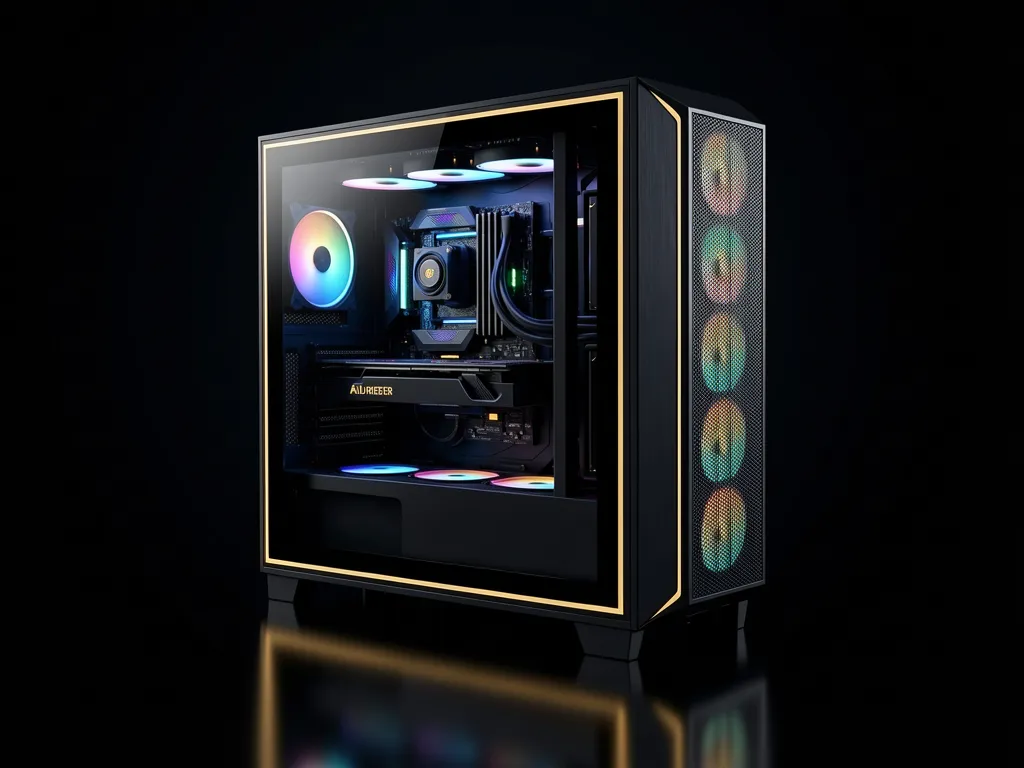
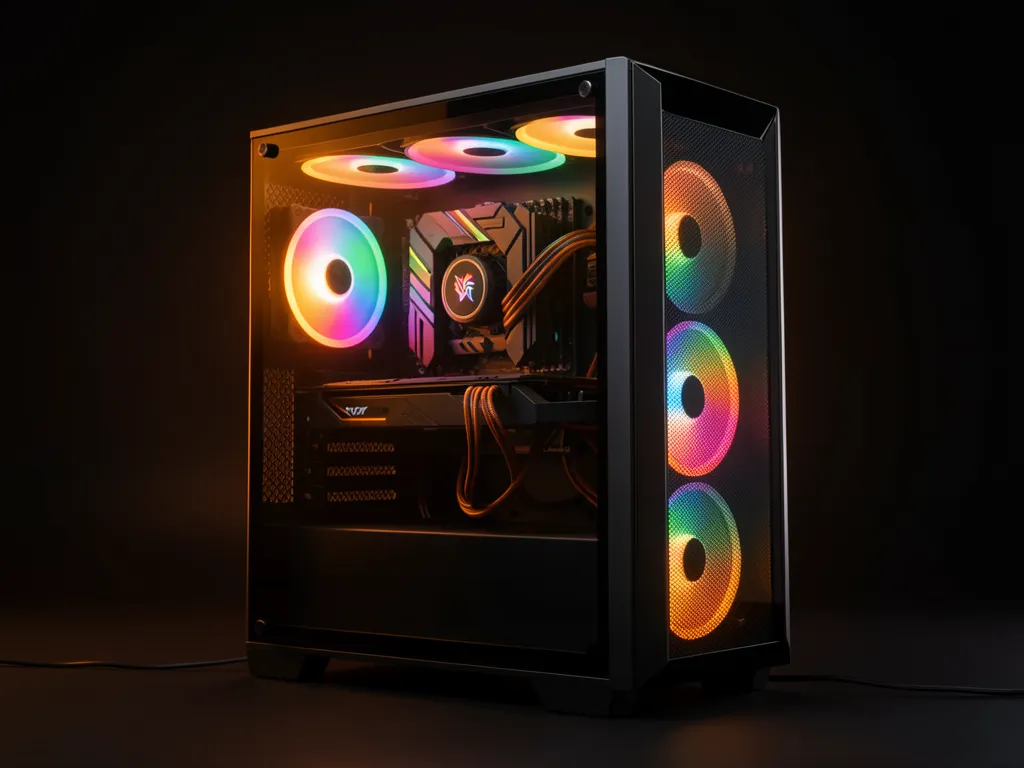
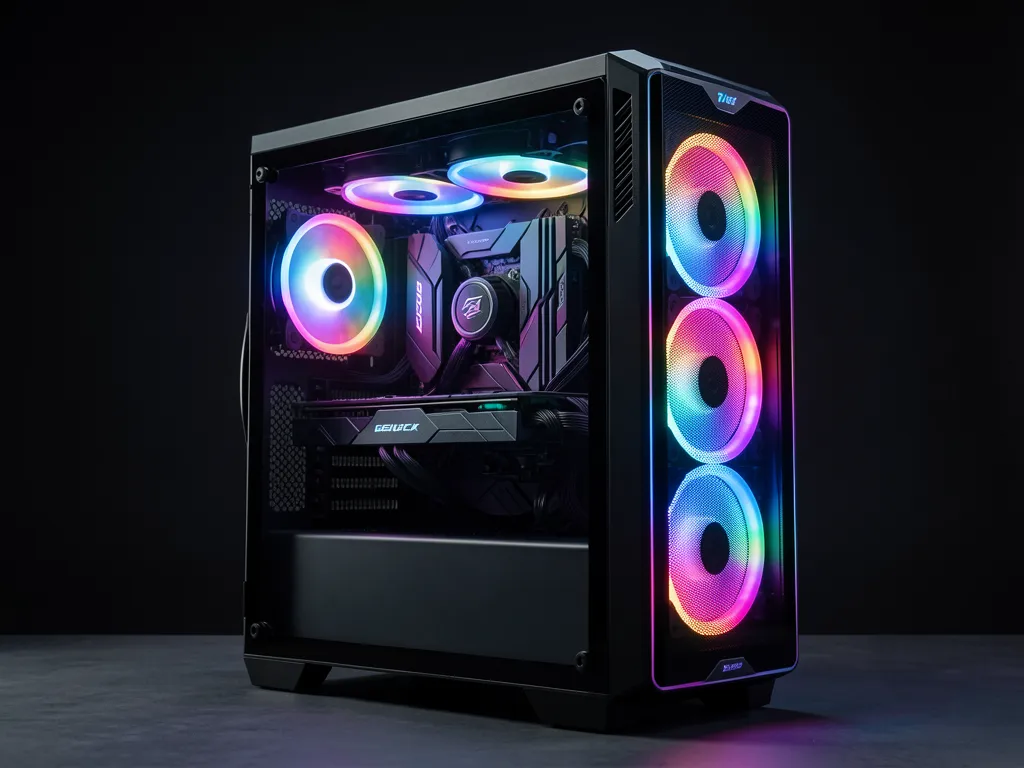
All builds use refurbished components tested in-house • Windows 11 available on request • RAM upgradeable to 32 GB • Prices exclude monitor, keyboard & mouse
Frequently Asked Questions
Which software is best for video editing — Premiere Pro or DaVinci Resolve?
Both are industry-standard. Premiere Pro integrates tightly with other Adobe apps (After Effects, Audition). DaVinci Resolve has the best colour grading tools in the industry and is free. Both run well on our builds — the choice depends on your workflow, not the hardware.
How much RAM do I need for 4K video editing?
32 GB is the professional standard for 4K. Our base builds ship with 16 GB — sufficient for 1080p. If you run editing software and After Effects simultaneously, 32 GB is the minimum. We can upgrade on request.
Do I need a separate drive for video media?
Strongly recommended. Keeping OS and active project media on separate drives prevents I/O contention during scrubbing. WhatsApp us to add a second drive to your build.
Can these builds handle 4K multi-cam editing?
The RTX 3070 and RTX 3080 builds handle 4K multi-cam well. For 6–8 camera angles at 4K, upgrade RAM to 32 GB and use proxy workflows for best results.
How long does a build take?
Most builds are completed within 3–5 working days depending on component availability.
Get a Video Editing PC Quote
Tell us your software, resolution, and budget — we’ll spec the right build.
