
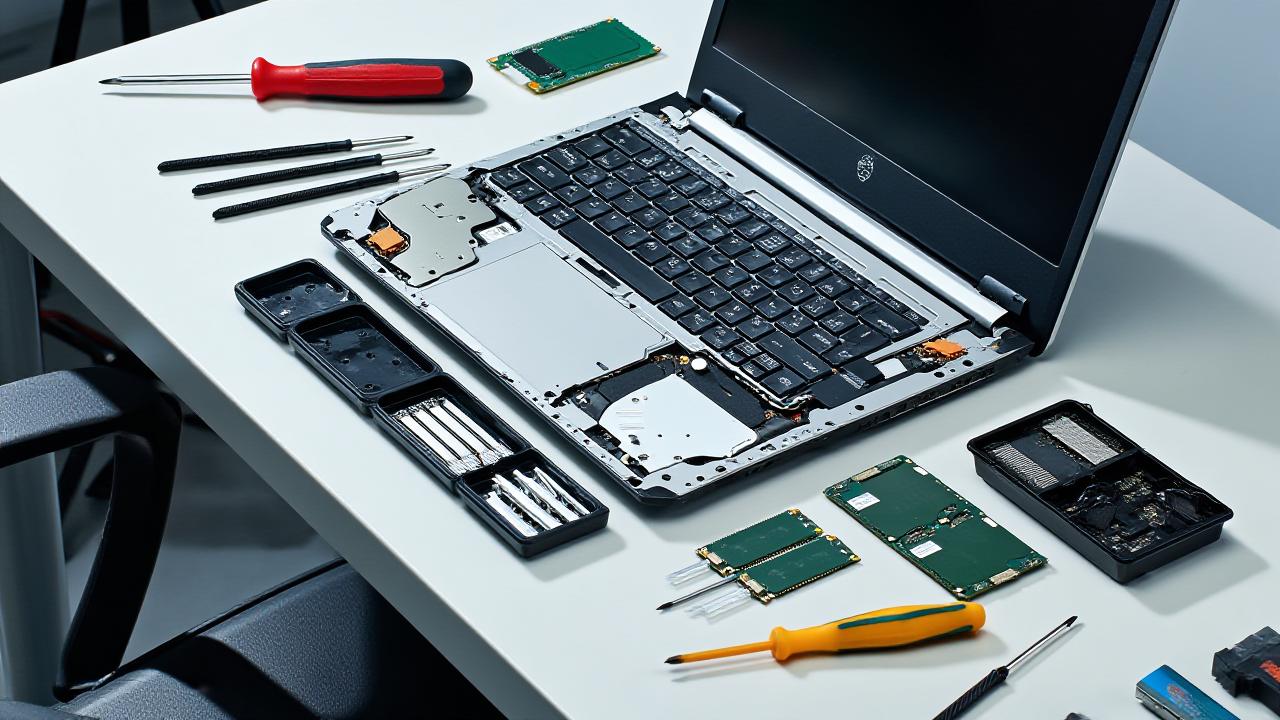
A lot of laptops end up in the bin, or in a drawer, for problems that cost less than $150 to fix. A new mid-range laptop costs $800 or more, so it’s worth knowing which faults are cheap before you write yours off.
Here are the six we fix most often at our four outlets, roughly in order of how often people think their laptop is “finished” when it isn’t.
🐢 1. Slow to Start and Slow to Open Apps
Usually a tired spinning hard drive, not a dead laptop. Windows constantly reads from the drive, and an old HDD simply can’t keep up. Swapping it for an SSD makes most four- to six-year-old laptops feel quick again: boot times drop from minutes to seconds. We clone your existing drive, so all your files and programmes come across.
If it already has an SSD, check how much RAM it has. Going from 8GB to 16GB helps a lot with many browser tabs open.
🔥 2. Hot, Loud, or Shutting Down During Games
Dust in the fan and dried thermal paste. The laptop slows itself down to stay cool, so a clean and repaste often brings back performance you’d forgotten it had. It takes about an hour and is the cheapest repair on this list.
🔋 3. Battery Dies in an Hour
Batteries wear out by design, usually after three to four years of daily charging. A new battery restores the runtime you had when the laptop was new. If the case is bulging or the trackpad is lifting, the battery is swelling: stop charging it and bring it in.
⌨ 4. A Few Dead Keys
Sometimes it’s just crumbs or debris under the key, which can be cleaned out. If a spill reached the keyboard, or the keys are simply worn, it can be replaced. On some thin laptops the keyboard is part of the palm rest, which costs a little more.
📐 5. Wobbly or Cracked Hinge
Fix it early. A loose hinge left alone cracks the case around it, then pulls on the screen cable, turning a small job into a large one. See our hinge repair guide.
🔌 6. Won’t Charge
Often a worn charging port, a damaged cable or a faulty adapter, rather than the motherboard. We test each part separately so you only pay for what’s actually broken.
💰 What Each Fix Costs
All repairs carry a 90-day warranty. Full list in our laptop repair cost guide.
🔄 When It’s Not Worth It
Replacing usually makes more sense when:
- The motherboard needs a full replacement on a laptop more than five years old
- The laptop was already too slow for your work before it broke
- It no longer gets Windows or macOS security updates
- Several major parts are failing at the same time
Our guide on whether to repair or replace your laptop has a simple rule for deciding.
Diagnosis is free at all four outlets. You get a written quote before any work starts, and you only pay if you go ahead.
❓ Frequently Asked Questions
Will I lose my files during a repair?
Most repairs don’t touch your storage. For SSD upgrades we clone the old drive so everything comes across.
How long do these repairs take?
Most are done the same day, often within one to two hours, if the part is in stock.
Is it worth upgrading a five-year-old laptop?
If it still gets updates and has an upgradable drive or RAM, usually yes. See how long laptops last.
📞 Get Help
Think Your Laptop Is Finished?
Get a free diagnosis and an honest repair-or-replace answer
Ang Mo Kio Central (703 AMK Ave 8) | Jurong East (Westgate #03-K2) | Bugis (62 Queen St) | Marine Parade (Parkway Parade #B1-45)
Open daily from 11am

