

For design work, three things matter more than anything else on the spec sheet: a colour-accurate screen, enough RAM to keep big files open, and a cooling system that doesn’t throttle halfway through an export. A fast processor helps, but a dim, washed-out screen will hold you back far more.
Below is what to look for, followed by five laptops that get it right for different kinds of designers.
🎨 What to Look For
1. MacBook Pro 14-inch
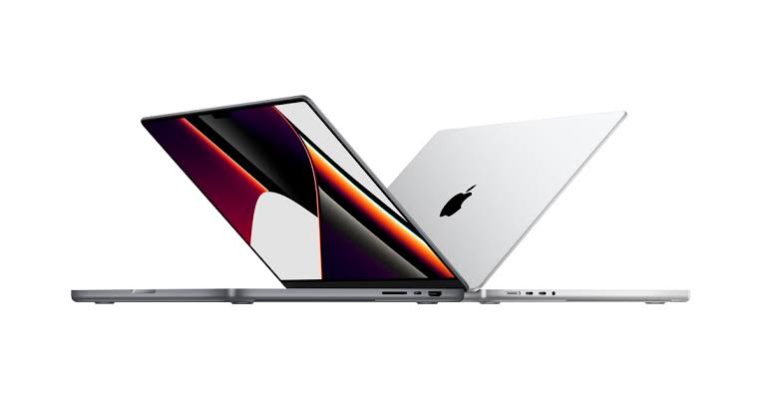
The default pick for a reason. The mini-LED screen is bright, colour-accurate out of the box and supports HDR. Battery life is excellent, and Photoshop, Illustrator, InDesign and Figma all run smoothly on Apple Silicon. Go for 16GB RAM at minimum, since you can’t add more later.
Best for: designers already using an iPhone or iPad, and anyone who wants a laptop that just works. (MacBook Pro repair)
2. Microsoft Surface Laptop Studio
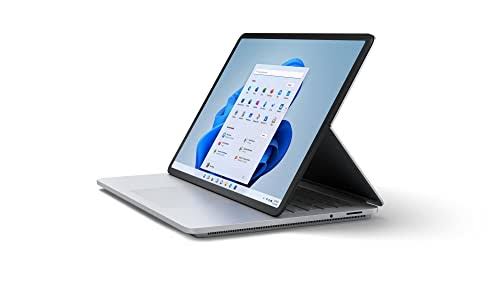
The screen pulls forward into an easel position, which makes it great for sketching with the Surface Pen. Good for illustrators who want one device instead of a laptop plus a drawing tablet. The 120Hz touchscreen feels responsive with a pen.
Best for: drawing and illustration on Windows. (Surface repair)
3. Lenovo ThinkPad P-series
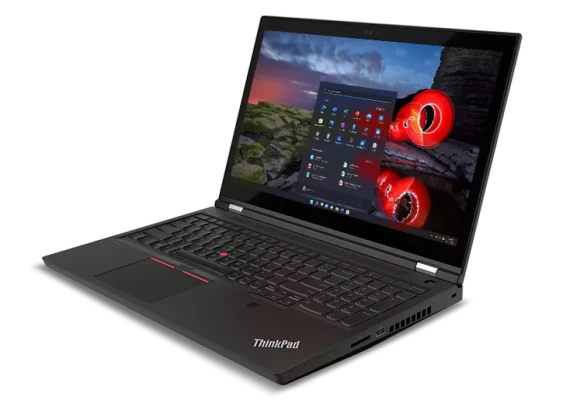
A mobile workstation with a professional NVIDIA graphics card and room for a lot of RAM. It’s heavy, but it handles large 3D, product design and rendering files that would choke a thinner laptop. ThinkPads are also easy to repair and upgrade.
Best for: 3D, product design and CAD. (Lenovo repair)
4. Dell XPS 17
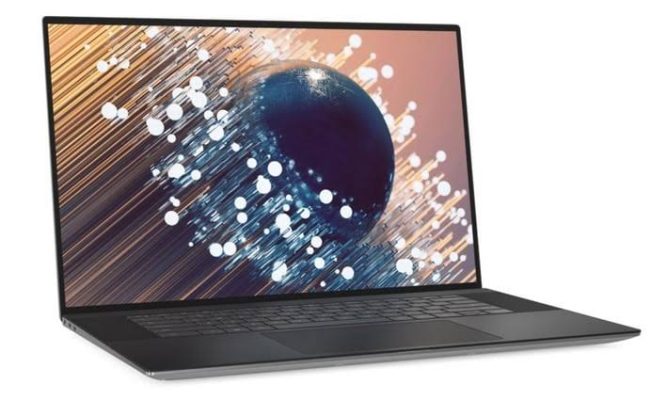
A large 17-inch screen in a body not much bigger than most 15-inch laptops, with a strong CPU and RTX graphics. The extra screen space makes a real difference when you’re working with timelines, layers and toolbars.
Best for: designers who want maximum screen space on Windows. (Dell repair)
5. Razer Blade
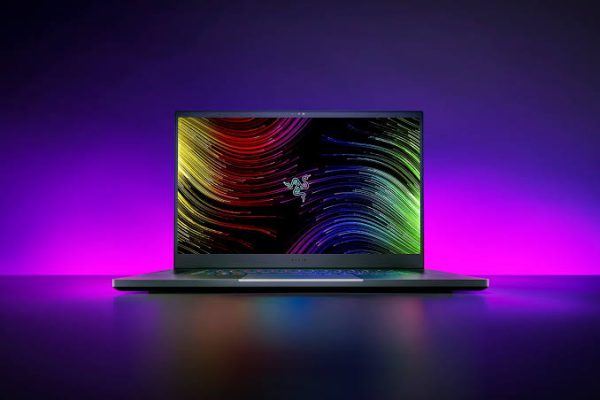
Built as a gaming laptop, but the fast, colour-accurate screen and powerful GPU make it a capable design and video machine too. It runs warm under load, so keep the fans clean.
Best for: designers who also game or edit video.
A used business workstation or a previous-generation MacBook Pro with 16GB RAM is often better value than a new mid-range laptop. Our tested used laptops start from $249.
🔧 Keeping a Design Laptop Fast
- Clean the fans yearly. Design apps push the CPU and GPU hard, and a clogged fan means throttling during exports.
- Keep 20% of the drive free. Photoshop’s scratch disk slows everything down when the SSD is full.
- Calibrate the screen every few months if colour accuracy matters for print work.
- Upgrade RAM or SSD where the laptop allows it. It’s often the cheapest way to add a few more years.
❓ Frequently Asked Questions
Mac or Windows for graphic design?
Both run Adobe apps and Figma well. Macs have better screens and battery out of the box; Windows gives more choice, pen-friendly 2-in-1s and better value for 3D work.
Do I need a dedicated graphics card?
Not for 2D design and layout. For 3D, motion graphics and video, an NVIDIA RTX card makes a big difference.
Is 8GB RAM enough for Photoshop?
For small files, just about. For professional work with many layers or several apps open, 16GB is the realistic minimum.
📞 Get Help
Design Laptop Slowing Down?
Free diagnosis, fan cleaning and RAM/SSD upgrades at four outlets
Ang Mo Kio Central (703 AMK Ave 8) | Jurong East (Westgate #03-K2) | Bugis (62 Queen St) | Marine Parade (Parkway Parade #B1-45)
Open daily from 11am

