
Photoshop Computer Singapore
Custom-built computers for Adobe Photoshop — fast single-core CPU, 32 GB RAM to avoid scratch disk, NVMe SSD. Starting from $600.
CPU Speed & RAM Are What Matter Most
Photoshop is primarily single-threaded — brush strokes, filters, adjustments, and Neural Filters all run on one CPU core. A fast clock speed (4+ GHz) makes Photoshop feel instant. RAM prevents the scratch disk bottleneck — when Photoshop runs out of system RAM, it writes to disk which is dramatically slower.
Single-core speed dominates. Every brush stroke, filter, and adjustment runs on one core. Ryzen 5 5600X with fast boost clock handles Photoshop smoothly.
32 GB RAM prevents Photoshop hitting its scratch disk. Assign your NVMe SSD as the scratch disk in Edit → Preferences → Scratch Disks as a backup.
GPU accelerates Liquify, blur gallery, and Neural Filters. A mid-range RTX card with 8 GB VRAM is more than sufficient — don’t overspend on GPU for Photoshop.
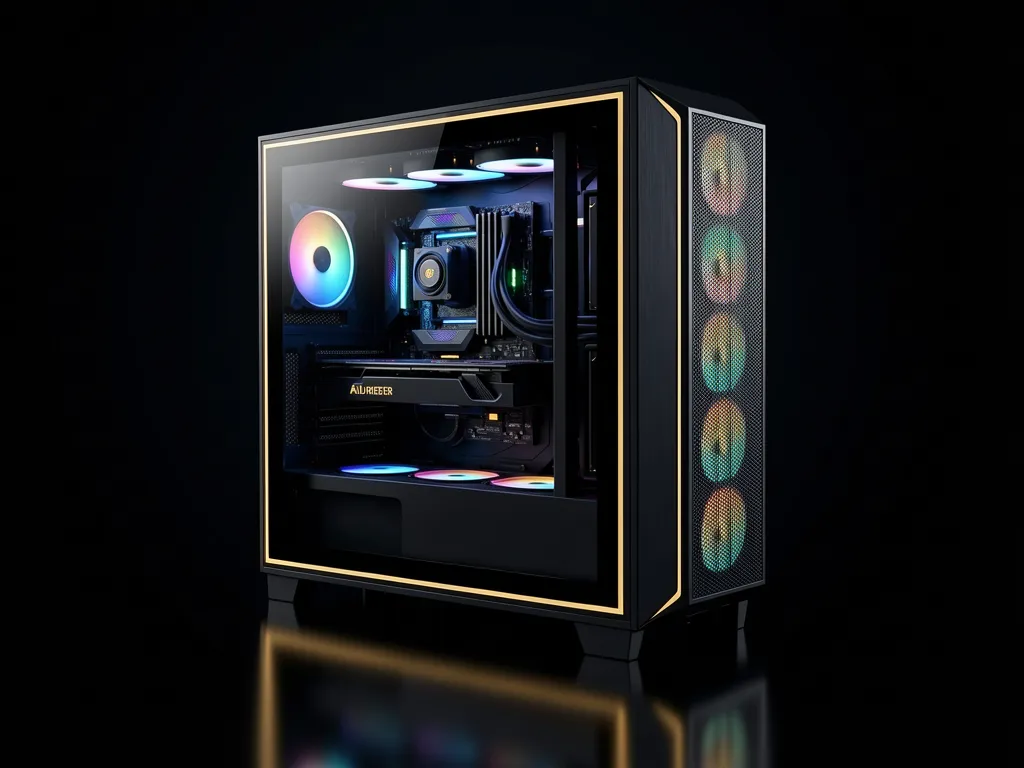
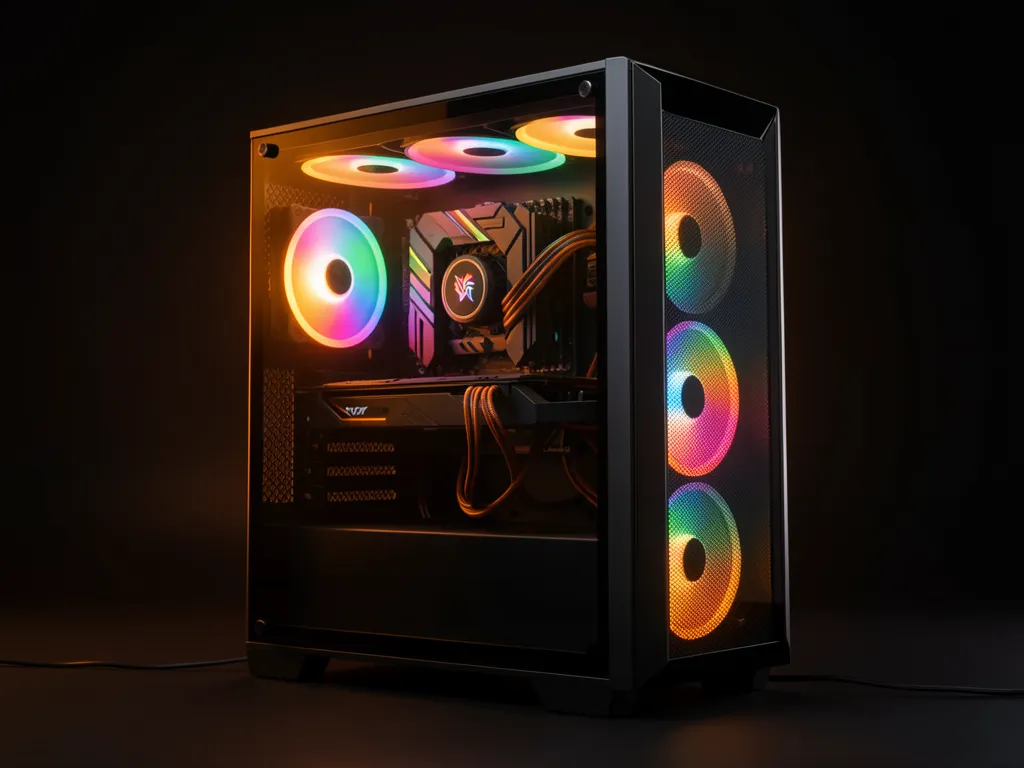
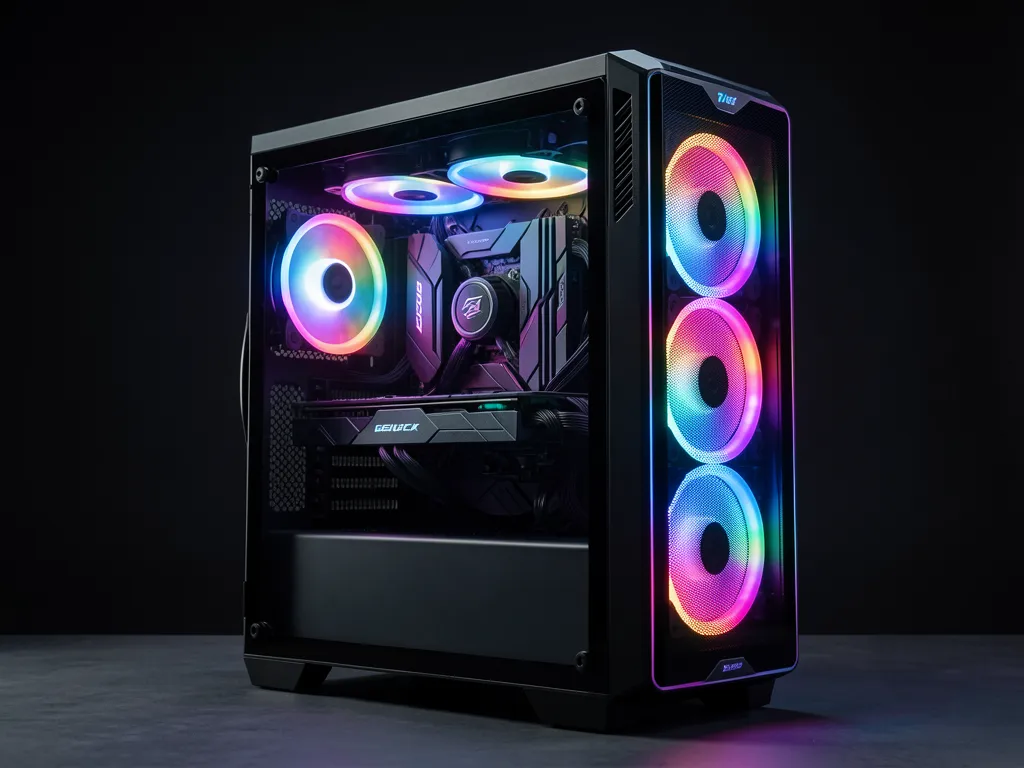
Photoshop Desktop Build Tiers
ⓘ Prices are estimated builds — WhatsApp for exact quote. RAM upgradeable to 32 GB on request.
Frequently Asked Questions
How much RAM does Photoshop need?
Adobe recommends 8 GB minimum, but 32 GB is the professional standard. Photoshop uses RAM as a work buffer — when it runs out, it writes to the scratch disk which is much slower. With 32 GB you can work on 100MP files and run Neural Filters without hitting the scratch disk.
What is the scratch disk in Photoshop?
When Photoshop runs out of RAM, it uses your storage drive as temporary memory — this is the scratch disk. HDD scratch disks cause severe slowdowns. Our builds use NVMe SSDs which work well as scratch disks. Assign it in Edit → Preferences → Scratch Disks.
Does Photoshop use the GPU?
Yes, but less than people expect. Photoshop uses GPU for canvas pan/zoom, Liquify, blur gallery, and Neural Filters. For most photographers and designers, the difference between a mid-range and high-end GPU is minimal. Don’t overspend on GPU for Photoshop — spend that budget on more RAM instead.
Can the same PC run Photoshop and Lightroom?
Yes — Photoshop and Lightroom share the same RAM pool when both are open. For working with large RAW files in Lightroom and then editing in Photoshop, 32 GB RAM is the recommended minimum to keep both applications fast.
How long does a build take?
Most builds are completed within 3–5 working days. WhatsApp us to confirm current stock and get a realistic timeline.
