
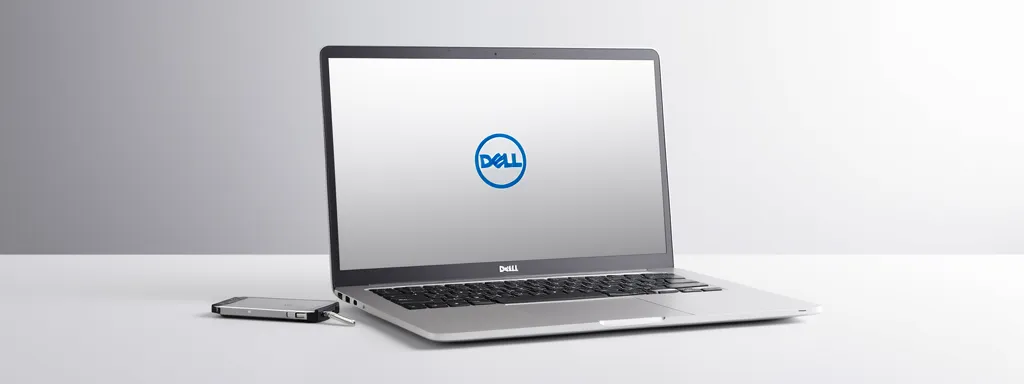
Why Choose Us for Dell XPS Repair
🔧 All Repairs
Complete service for all Dell XPS premium ultrabook issues.
💻 InfinityEdge Screen
From $200
🔋 Battery
$150-$220
🔥 Thermal Service
$80-$150
🔌 USB-C Port
$120-$200
⌨️ Keyboard
$100-$180
🖥️ Motherboard
$300-$600
Dell XPS Models We Service
We repair all Dell XPS premium ultrabook series known for InfinityEdge displays and carbon fiber construction:
Dell XPS 13 Series – Ultra-Portable
- XPS 13 9300, 9310, 9315, 9320, 9340 – 13.4″ ultra-compact ultrabook
- XPS 13 Plus (9320) – Futuristic design with capacitive function row
- Known for: All-day battery life, minimal bezels, premium build quality
Dell XPS 15 Series – Creator Powerhouse
- XPS 15 9500, 9510, 9520, 9530 – 15.6″ content creation workstation
- Features: NVIDIA dedicated graphics, OLED display options, exceptional color accuracy
- Perfect for: Video editing, 3D rendering, photography, design work
Dell XPS 17 Series – Desktop Replacement
- XPS 17 9700, 9710, 9720, 9730 – 17″ maximum performance laptop
- Features: RTX graphics, 64GB RAM support, 4K+ display
- Professional workstation power in portable form
Common Dell XPS Issues We Fix
1. Overheating and Thermal Throttling
XPS laptops pack powerful components into slim chassis, creating thermal challenges:
- CPU thermal throttling – Performance drops under sustained load
- Loud fan noise – Fans running at maximum speed constantly
- Hot bottom case – Uncomfortable to use on lap
- Unexpected shutdowns – Thermal protection triggering
- Degraded thermal paste – Factory paste hardens over time
Why XPS overheats: The pursuit of thin design means minimal thermal headroom. Dust accumulation in compact vents and aged thermal paste compound the issue. Our thermal service includes deep cleaning, premium thermal paste, and thermal pad replacement.
2. InfinityEdge Display Problems
The stunning edge-to-edge displays are prone to specific issues:
- Cracked screen – Minimal bezels mean less protection
- Backlight bleeding – Light leakage around edges, especially on OLED
- Dead pixels – Noticeable on high-resolution displays
- Touchscreen not responding – Digitizer failure on touch models
- Screen flickering – Cable or inverter issues
3. Battery Swelling
A critical safety issue common in XPS models:
- Trackpad bulging – Battery expansion pushing trackpad up
- Case separation – Bottom cover no longer flush
- Rapid battery drain – Battery health below 50%
- Won’t charge past 80% – Battery protection kicking in
- Physical deformation – Visible battery bulge
Warning: Swollen batteries are a safety hazard. Stop using the laptop immediately and bring it for professional battery replacement.
4. USB-C Charging and Port Issues
XPS models rely heavily on USB-C for power and connectivity:
- Won’t charge via USB-C – Power delivery chip failure
- Loose USB-C port – Cable doesn’t stay connected firmly
- Port not recognizing devices – Data transfer problems
- Intermittent charging – Charges then stops randomly
- Thunderbolt issues – External displays or docks not working
5. Keyboard and Trackpad Problems
- Keys not responding – Membrane or switch failure
- Backlight not working – LED or controller issue
- Trackpad clicking problems – Mechanical or software issues
- Liquid damage – Spills requiring cleaning or replacement
- XPS 13 Plus capacitive buttons – Function row not responding
6. Hinge and Structural Issues
- Screen wobbling – Loose hinge mechanism
- Difficult to open – Hinge too tight
- Cracking sounds – Worn hinge components
- Hinge separation – Bracket pulling away from chassis
- Screen not staying in position – Worn friction mechanism
Why Choose Affordable Laptop Services for Dell XPS Repair?
Premium Ultrabook Specialists: Our technicians are trained specifically on XPS models. We understand the unique engineering challenges of ultra-thin laptops with high-performance components.
InfinityEdge Display Experts: We have extensive experience with Dell’s edge-to-edge displays. Proper installation requires precision to maintain the seamless aesthetic and touchscreen calibration.
Thermal Optimization: Beyond basic cleaning, we optimize thermal performance with premium thermal paste, thermal pad upgrades, and airflow improvements.
Genuine Dell Parts: We use authentic Dell OEM parts including batteries, screens, and keyboards to maintain your XPS’s premium quality and specifications.
Same-Day Service Available: For urgent repairs, we offer same-day and 4-hour express options. Most common repairs completed within 24-48 hours.
90-Day Warranty: All repairs include our comprehensive 90-day warranty covering both parts and labor.
Our Dell XPS Repair Process
- Free Premium Diagnostic: Comprehensive inspection of your XPS including thermal testing, battery health check, and display calibration assessment. Quote provided within 2-4 hours.
- Transparent Approval: Detailed cost breakdown before work begins. Most parts in stock for same-day completion.
- Expert Repair: Certified technicians use specialized tools designed for premium ultrabooks. Precision work maintains XPS build quality.
- Thermal Optimization: Every repair includes thermal inspection. We recommend thermal service when indicated to prevent future issues.
- Quality Testing: Stress testing, thermal monitoring, display calibration, and full functionality verification before return.
- 90-Day Warranty: Comprehensive coverage on all repairs with priority support.
Dell XPS Repair Pricing
Note: Estimated prices. Contact us for exact quotes based on your specific XPS model and configuration.
| Model Series | Screen | Battery | Thermal |
|---|---|---|---|
| XPS 13 | $200-$350 | $150-$200 | $80-$120 |
| XPS 15 | $250-$450 | $180-$220 | $100-$150 |
| XPS 17 | $300-$550 | $200-$250 | $120-$180 |
Frequently Asked Questions
How long does XPS screen replacement take?
Most XPS InfinityEdge screen replacements are completed within 24-48 hours. The precise installation requires careful calibration. Touch models need additional digitizer calibration. Same-day service available for urgent needs.
Can you fix swollen XPS batteries?
Yes! Battery swelling is common in XPS models. We safely remove the swollen battery, inspect for internal damage, and install a genuine Dell replacement battery. This is a safety priority repair typically completed within 24 hours.
My XPS overheats – what causes this?
XPS overheating typically results from blocked vents, degraded thermal paste, or failing fans. The slim chassis makes thermal management critical. Our thermal service includes deep cleaning, premium thermal paste application, and thermal pad replacement.
Do you repair XPS 13 Plus capacitive function row?
Yes! We repair the unique capacitive touch function row on XPS 13 Plus models. This includes both hardware failures and calibration issues. The integrated design requires specialized repair techniques.
Can you upgrade XPS components?
We perform SSD upgrades (NVMe), RAM upgrades (where possible), WiFi card upgrades to WiFi 6E, and battery replacements with extended capacity options. Note: Many XPS models have soldered RAM.
What warranty do you provide?
All XPS repairs include a 90-day warranty on parts and labor. Genuine Dell OEM parts receive extended coverage. Priority support included if any issues arise during warranty period.
Book Your Dell XPS Repair Today
Professional premium ultrabook repair with expert thermal optimization. Contact Affordable Laptop Services for Dell XPS repair across Singapore.
Ready to Fix Your Dell XPS?
Call us now for free diagnosis and quote
4 Locations: Ang Mo Kio | Jurong East | Bugis | Marine Parade
Open Daily: 11am – 9pm
Table of Contents
- 📋 All Repairs
- 💻 XPS Models
- 🔧 Common Issues
- ⭐ Why Choose Us
- 🔄 Repair Process
- 💰 Pricing
- ❓ FAQ
- 📞 Contact Us
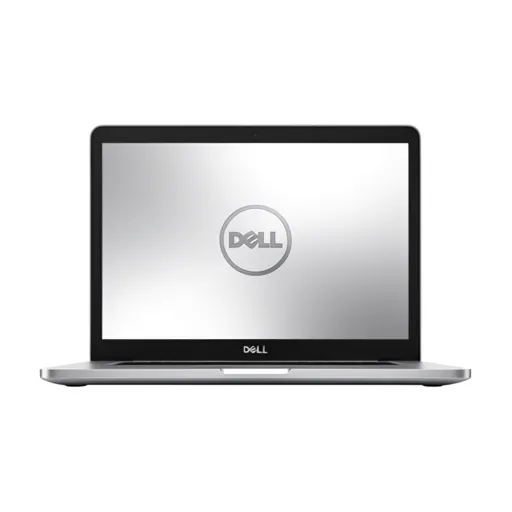
Expert Premium Repair
InfinityEdge specialists
Related Dell Laptop Repair Services
💼 Dell Latitude Repair
Business laptop repair for Latitude 3000, 5000, 7000, 9000 series with data security priority.
💻 Dell Inspiron Repair
Professional repair for Inspiron 13, 14, 15, 16 consumer laptop series.
🎮 Dell Alienware Repair
Gaming laptop experts for Alienware m15, m17, x14, x15, x17 with thermal optimization.
