
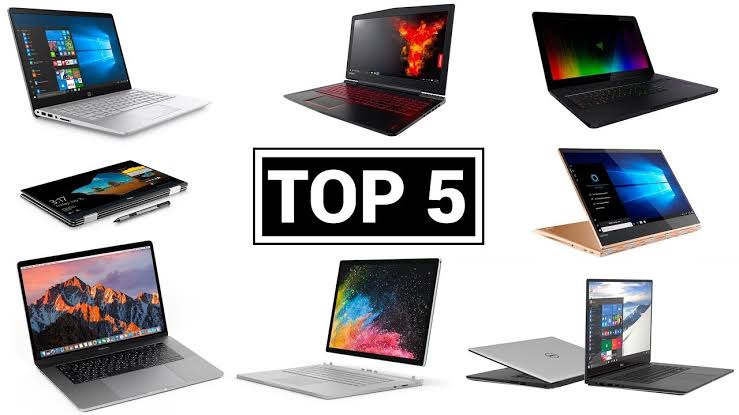
Top 5 Laptops For Graphic Designers in Singapore (2024)
Are you a graphics designer looking for your next laptop? Finding the right one can be daunting. We’ve researched the top 5 laptops on the market specifically designed with graphics designers in mind — covering specs, performance, and value.
Need your design laptop repaired? Same-day service →
What To Consider When Choosing A Laptop For Graphics Design
- Display: Good resolution and colour accuracy so designs look their best
- CPU: Enough power to handle photo editing, video rendering, and 3D modelling
- RAM: High enough to run multiple applications simultaneously without lag
- GPU: Dedicated graphics card for rendering and creative work
- Battery life: Sufficient to work on-the-go without constantly looking for a plug
1. Apple MacBook Pro 14-Inch
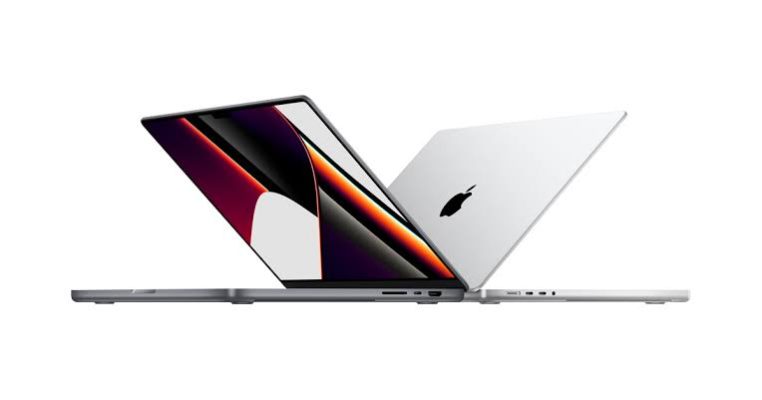
The Apple MacBook Pro 14-inch is an excellent choice for graphics designers. Apple M1 or M2 processor, up to 64GB RAM, Liquid Retina XDR display with True Tone, and three Thunderbolt 4 USB-C ports. Battery life: up to 10 hours.
Best for: Power and performance. Ideal for designers who work in Apple’s ecosystem and need maximum processing power.
2. Microsoft Surface Laptop Studio
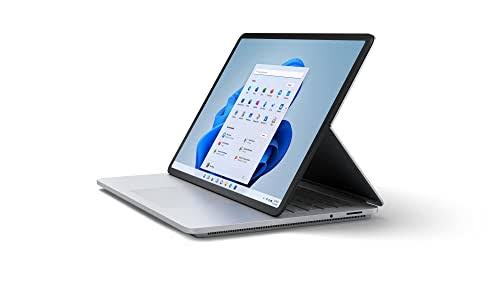
The Microsoft Surface Laptop Studio features a Quad-Core Intel Core i7 processor, 14.4-inch PixelSense touchscreen at 120Hz, NVIDIA GeForce GPU, up to 32GB RAM and 2TB storage. Weighs just 1.8 kg. Windows 11 OS.
Best for: Portability without sacrificing power. Great for designers who work remotely or in the office.
3. Lenovo ThinkPad P15 Gen 2
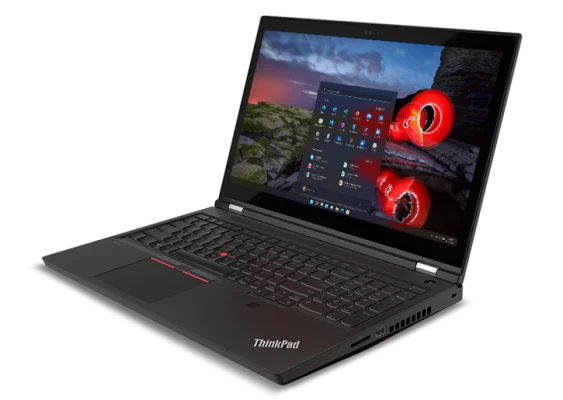
The Lenovo ThinkPad P15 Gen 2 packs an Intel Core i9 processor (up to 5GHz), up to 128GB DDR4 RAM (4x32GB slots), NVIDIA RTX A5000 16GB GDDR6 graphics, and a 15.6-inch FHD IPS panel. Heavy at 2.87 kg but a computing beast.
Best for: Budget-conscious professionals who need maximum power for large-scale design and rendering work.
4. Dell XPS 17
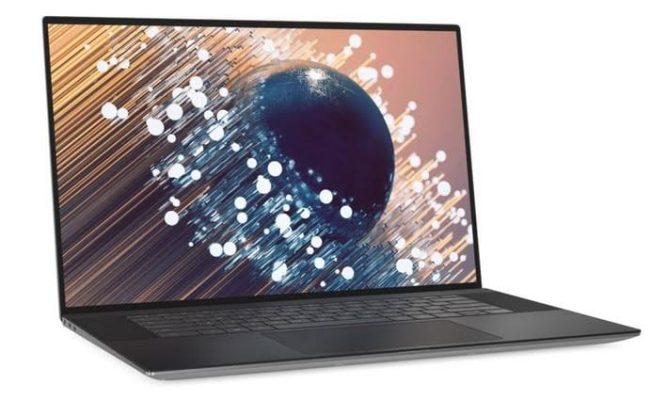
The Dell XPS 17 features a 17-inch Ultra HD InfinityEdge touchscreen, 12th Gen Intel Core i9 (up to 5GHz), NVIDIA GeForce RTX 3060, up to 32GB DDR5 RAM, 1TB SSD, and battery life up to 14 hours.
Best for: Designers who need a wider screen and peak performance without sacrificing portability.
5. Razer Blade 17
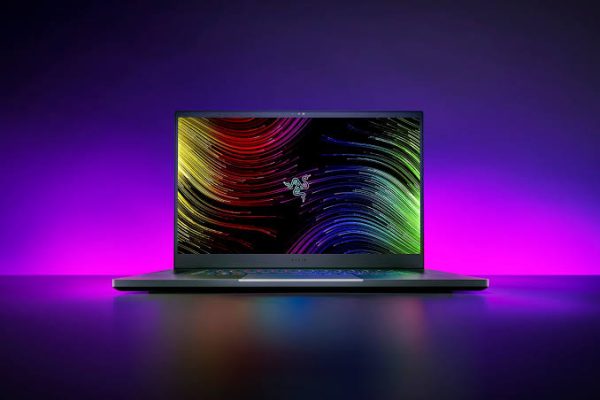
The Razer Blade 17 comes with a 17.3-inch FHD display at up to 240Hz, Intel Core i7-12800H or i9-12900H, NVIDIA GeForce RTX 3080 Ti with up to 16GB GDDR6 VRAM, and 6mm bezels for maximum screen real estate.
Best for: Designers who also game and need stunning visuals with high refresh rates.
Quick Comparison Table
| Laptop | Best For | GPU |
|---|---|---|
| MacBook Pro 14″ | Power + Apple ecosystem | Apple M1/M2 |
| Surface Laptop Studio | Portability | NVIDIA GeForce |
| ThinkPad P15 Gen 2 | Budget powerhouse | RTX A5000 16GB |
| Dell XPS 17 | Wide screen + performance | RTX 3060 |
| Razer Blade 17 | Design + gaming | RTX 3080 Ti 16GB |
Conclusion
The right laptop depends on your individual needs and budget. The MacBook Pro 14″ is best for power and reliability. The Surface Laptop Studio suits those needing portability. For raw processing power at a lower price, the ThinkPad P15 Gen 2 is hard to beat. The Dell XPS 17 offers the best screen experience, and the Razer Blade 17 is perfect for designers who also game.

