
⚡ Optimum spec (our verdict): any recent-gen i5 + GTX 1050 Ti/1650, 16 GB RAM, SSD — maxed settings at 144+ FPS. Complete tested used build ≈ $480–$550, then put the savings into a 144 Hz monitor.
League of Legends is the best game in the world to buy a PC for — because almost any PC will do. Riot keeps the engine deliberately light so a global player base can compete on equal footing. The honest answer to "what PC do I need for League?" is: the cheapest working desktop with a decent CPU and an SSD. The interesting question is how to spend the money you save.
Requirements at every level
| Tier | CPU | GPU | RAM | Real-world result |
|---|---|---|---|---|
| Minimum (30 FPS) | Dual-core 2 GHz | Intel HD integrated | 4 GB | Runs, barely enjoyable |
| Smooth 60 FPS | Any modern dual/quad core | Intel UHD / Vega iGPU | 8 GB | Perfectly playable |
| Optimum (144 FPS) | Quad-core i5, recent gen | GTX 1050 or better | 8–16 GB | Max settings, 1080p |
| 240 FPS | Modern 6-core i5/R5 | GTX 1650+ | 16 GB | For 240 Hz monitors |
There’s no other popular game where the jump from "runs" to "maxed out at 144 FPS" costs so little. A used GTX 1050 is under $80; the CPUs that hold 144 FPS are in every $480-class used desktop we sell.
The smart way to spend a League budget
Say you have $800. Instead of one expensive PC:
- $480–$550 on a used desktop (recent i5, 16 GB, GTX 1050 Ti/1650, SSD) — runs League maxed at 144+ FPS
- $150–$250 on a 144 Hz monitor — this is the upgrade you’ll actually feel in every game
- The rest on a decent mouse and mechanical keyboard
A 144 Hz display improves your experience of League far more than any GPU upgrade, because the game hits high frame rates on cheap hardware anyway. Our cheap graphics cards for students guide covers the sub-$400 GPU market if you want headroom for heavier games later.
"But my laptop still lags in League"
We hear this weekly, and it’s almost never because the hardware is too weak. The usual suspects:
- Thermal throttling — years of dust and dried paste. Why laptops that "used to run League fine" get worse. See why laptops overheat.
- Hard drive instead of SSD — long load screens and stutter in fights.
- Power saving mode — Windows throttling the CPU on battery.
- 8 GB RAM + everything open — League, Discord, Chrome with 30 tabs, and op.gg overlay.
A service clean, SSD swap, and RAM top-up rescues most "too slow for League" machines for far less than a new PC.
FAQ
Can League run on integrated graphics? Yes, comfortably at 60 FPS medium-high. It’s one of the few games where iGPU play is genuinely fine.
What about the upcoming graphics updates? Riot historically keeps requirements low even through visual updates — the player base is the priority. Any recommendation on this page has margin built in.
Is the same PC good for Valorant too? Mostly yes — see our Valorant PC requirements: Valorant leans a bit harder on the CPU for very high frame rates, but the same budget build covers both.
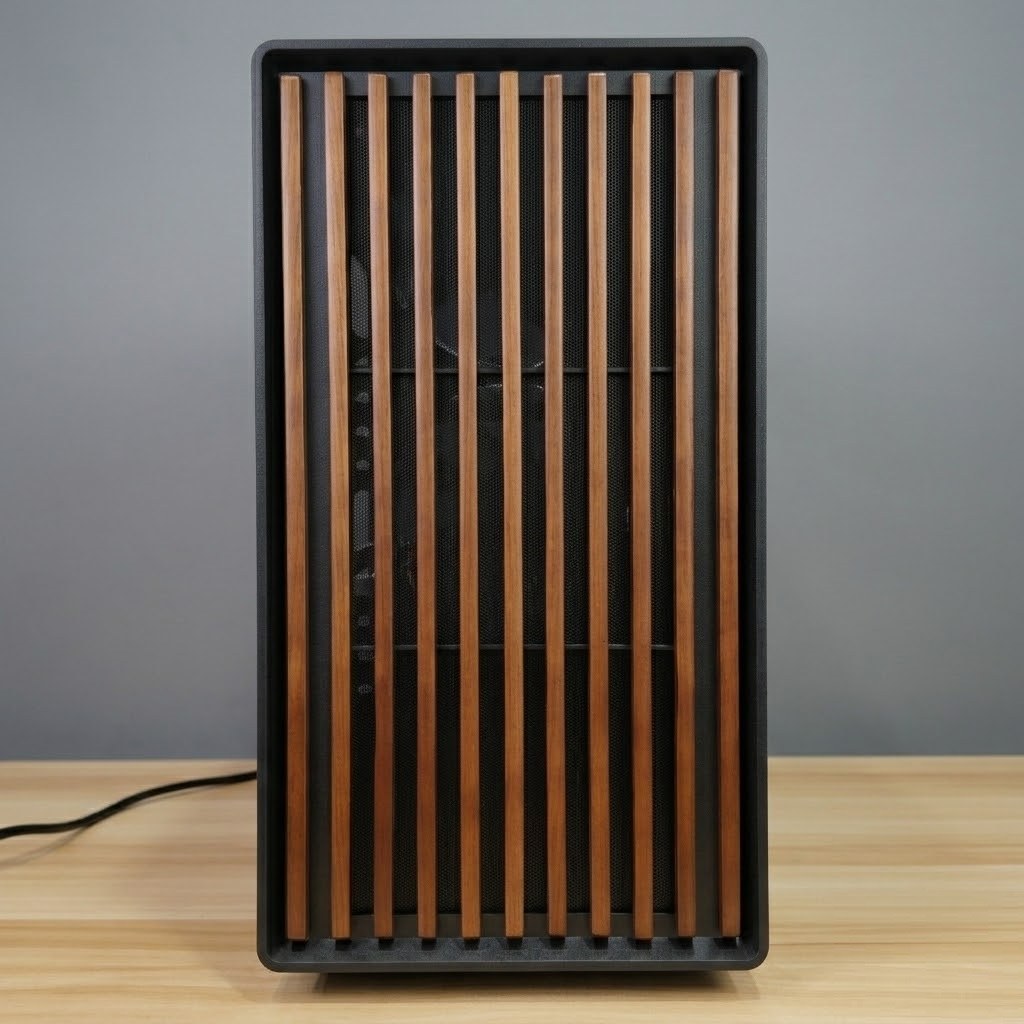
Entry-level tested used desktops from $480 that run LoL maxed at 144+ FPS — ideal for students and first builds.
{“@context”:”https://schema.org”,”@type”:”FAQPage”,”mainEntity”:[{“@type”:”Question”,”name”:”Can League of Legends run on integrated graphics?”,”acceptedAnswer”:{“@type”:”Answer”,”text”:”Yes, comfortably at 60 FPS on medium-high settings. League is one of the few popular games where integrated graphics play is genuinely fine.”}},{“@type”:”Question”,”name”:”What PC do you need for 144 FPS in League of Legends?”,”acceptedAnswer”:{“@type”:”Answer”,”text”:”Any recent-gen quad-core i5 with a GTX 1050 or better, 8–16 GB RAM and an SSD runs League maxed out at 144+ FPS. A complete tested used desktop costs around $480–$550 in Singapore — pair it with a 144 Hz monitor for the biggest real-world upgrade.”}},{“@type”:”Question”,”name”:”Why does my laptop lag in League of Legends?”,”acceptedAnswer”:{“@type”:”Answer”,”text”:”Usually not weak hardware — the common causes are thermal throttling from dust and dried paste, a hard drive instead of an SSD, Windows power saving mode, or 8 GB RAM with too many apps open. A service clean, SSD swap and RAM top-up rescues most machines.”}},{“@type”:”Question”,”name”:”Is the same PC good for both League and Valorant?”,”acceptedAnswer”:{“@type”:”Answer”,”text”:”Mostly yes — Valorant leans slightly harder on the CPU for very high frame rates, but the same budget used build covers both games well.”}}]}

