
⚡ Optimum spec (our verdict): i5-12400 / Ryzen 5 5600 + GTX 1660 Super or RTX 3050, 16 GB RAM, SSD — locked 144 FPS at max settings, even in teamfights. Complete tested used build ≈ $650–$800 in Singapore.
Every Dota player knows the pattern: buttery smooth laning phase, then the 40-minute teamfight starts — Warlock golems, Phantom Lancer illusions, ten ultimates at once — and the game turns into a slideshow. That’s not your graphics card failing. Dota 2’s simulation load is on the CPU, and teamfights are where weak processors get exposed.
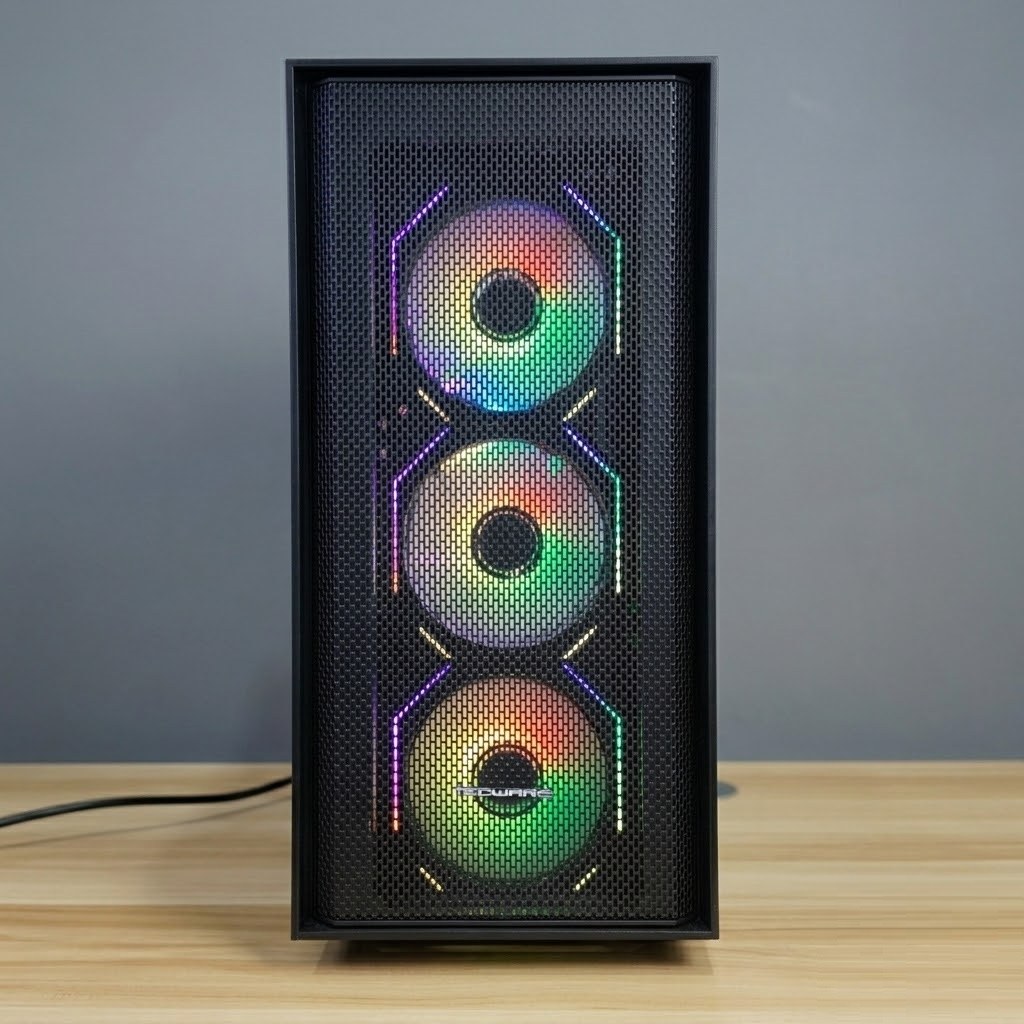
Requirements vs teamfight reality
| Tier | CPU | GPU | RAM | Real-world result |
|---|---|---|---|---|
| Official minimum | Dual-core 2.8 GHz | GeForce 8600-class | 4 GB | Launches. Teamfights hurt. |
| Smooth 60 FPS | Modern quad-core i3/i5 | GTX 1050 / iGPU Vega | 8 GB | Fine for casual play |
| Stable 100–144 FPS | i5-10400+ / R5 3600+ | GTX 1650 / 1660 | 16 GB | High settings, stable fights |
| Optimum (max 144+) | i5-12400 / R5 5600+ | RTX 3050/3060-class | 16 GB | Locked 144 even in chaos |
The GPU column plateaus fast — a GTX 1650 already runs Dota at high settings — while the CPU column keeps mattering. Single-core speed is king in Source 2’s simulation, which is why a modern budget i3 often beats a decade-old i7.
Used build recommendations for Singapore
- Budget ($480–$580): 8th/9th gen i5, 16 GB RAM, GTX 1050 Ti/1650, SSD. Runs Dota at high settings 100+ FPS. The classic student build.
- Comfort ($650–$800) — the optimum: i5-12400 / Ryzen 5 5600 with GTX 1660 Super or RTX 3050 — locked 144 FPS at max settings, plus headroom for CS2 and other games.
- Don’t overspend: Beyond an RTX 3060, extra GPU money does almost nothing for Dota. Spend it on a 144 Hz monitor instead.
New to buying second-hand? Our used gaming PC guide for Singapore covers Carousell red flags, HWZ, and what certified shops test before selling.
Fixing Dota FPS drops
- CPU bottleneck check: if GPU usage sits under 80% while FPS drops, the CPU is the limit. Settings changes won’t save you — but render scale and effects quality help a little.
- HDD loading: last one into the game every match? Move Dota to an SSD.
- Thermals: old desktops full of dust throttle mid-fight. A clean and fresh thermal paste restores lost performance.
- Background load: Dota + client + Discord + browser guides on 8 GB RAM causes stutter. 16 GB fixes it.
FAQ
Can a laptop with integrated graphics play Dota 2? Yes — Vega/Iris iGPUs manage 60 FPS at medium. Teamfight dips depend on the CPU, as always.
Why is my FPS worse after big patches? Map and effect updates raise CPU load, and shader caches rebuild. It usually settles after a few games; an SSD softens the pain.
Is Dota heavier than League of Legends? Yes, noticeably — see our LoL PC requirements comparison. LoL runs on nearly anything; Dota wants a real quad-core minimum.
Tested used desktops from $480 that hold their FPS when all ten heroes fight — collect from 4 locations islandwide.
{“@context”:”https://schema.org”,”@type”:”FAQPage”,”mainEntity”:[{“@type”:”Question”,”name”:”What PC do you need for 144 FPS in Dota 2?”,”acceptedAnswer”:{“@type”:”Answer”,”text”:”An i5-12400 or Ryzen 5 5600 with a GTX 1660 Super or RTX 3050, 16 GB RAM and an SSD holds a locked 144 FPS at max settings even in big teamfights. A complete tested used build costs around $650–$800 in Singapore.”}},{“@type”:”Question”,”name”:”Why does my FPS drop in Dota 2 teamfights?”,”acceptedAnswer”:{“@type”:”Answer”,”text”:”Dota 2’s simulation load is on the CPU — illusions, summons and ten ultimates at once expose weak or old processors. If GPU usage sits under 80% while FPS drops, the CPU is the limit, and single-core speed matters most.”}},{“@type”:”Question”,”name”:”Can a laptop with integrated graphics play Dota 2?”,”acceptedAnswer”:{“@type”:”Answer”,”text”:”Yes — Vega or Iris integrated graphics manage 60 FPS at medium settings. Teamfight dips depend on the CPU rather than the graphics.”}},{“@type”:”Question”,”name”:”Is Dota 2 heavier than League of Legends?”,”acceptedAnswer”:{“@type”:”Answer”,”text”:”Yes, noticeably — League runs on nearly anything, while Dota 2 wants a genuine modern quad-core minimum for stable play.”}}]}

