
⚡ Optimum spec (our verdict): i5-12400 / Ryzen 5 5600 + used RTX 3060 or RX 6600, 16 GB dual-channel RAM, SSD — stable 144–200 FPS at 1080p with clean smokes. Complete tested used build ≈ $750–$950 in Singapore.
For fifteen years, "CS runs on a potato" was gospel. Counter-Strike 2 killed that rule. Valve’s Source 2 engine brought volumetric smokes, physically-based lighting and sub-tick servers — and roughly doubled the hardware needed for the frame rates CS:GO players were used to. If your FPS halved after the switch, nothing is wrong with your PC. The game simply grew up.
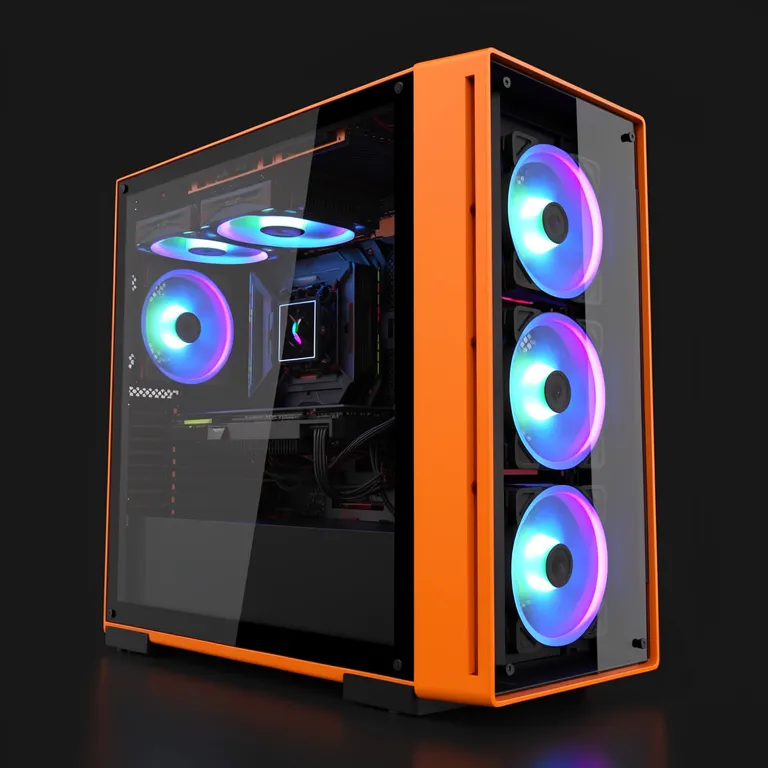
Official requirements vs what you actually need
| Tier | CPU | GPU | RAM | Real-world result |
|---|---|---|---|---|
| Official minimum | 4 cores | GTX 1060-class | 8 GB | ~60–100 FPS, dips in smokes |
| Optimum (144 FPS) | i5-12400 / R5 5600 | RTX 3060 / RX 6600 | 16 GB dual-channel | Stable 144+ at 1080p |
| Competitive 240+ | i5-13400 / R5 7600+ | RTX 3060 Ti / 4060+ | 16–32 GB | 240+ with strong 1% lows |
The stat that actually matters: 1% lows
CS2 is the game where average FPS lies to you the most. An average of 200 FPS means nothing if smokes and 5-man executes dip you to 90 — you feel every one of those dips as input lag and lost duels. 1% lows (the worst 1% of your frames) are what determine how CS2 feels, and they come from three places:
- CPU generation and core count — 6 modern cores keep the sub-tick simulation fed. This is the biggest factor.
- Dual-channel RAM — a single 16 GB stick measurably hurts CS2’s frame consistency versus 2×8 GB. It’s the cheapest FPS upgrade that exists; we can fit it same-day as part of a desktop upgrade.
- Thermals — a dusty CPU cooler throttles exactly when the action peaks. A clean and repaste from $50 restores lost consistency.
Match your target to your monitor: 144 Hz screen → build for a 144 FPS floor; 240 Hz → build for a 240 floor. FPS beyond your refresh rate still trims input latency slightly, but stability beats peaks every time.
Which GPU for CS2? The used-market view
- GTX 1060 6GB / GTX 1660 Super — the entry ticket. 100–144 FPS at low-medium settings. Fine for casual matchmaking.
- RTX 3060 / RX 6600 — the value kings and our optimum pick. Stable 144–200 FPS at 1080p with clean smokes. See how the 3060 stacks against newer generations in the RTX 3060 vs 4060 vs 5060 comparison.
- RTX 3060 Ti / 3070 / 4060 Ti — the 240 Hz tier. The RTX 3000 vs 4000 vs Radeon guide maps used prices for every step.
- On a student budget? The cheap graphics cards for students guide covers everything under $400.
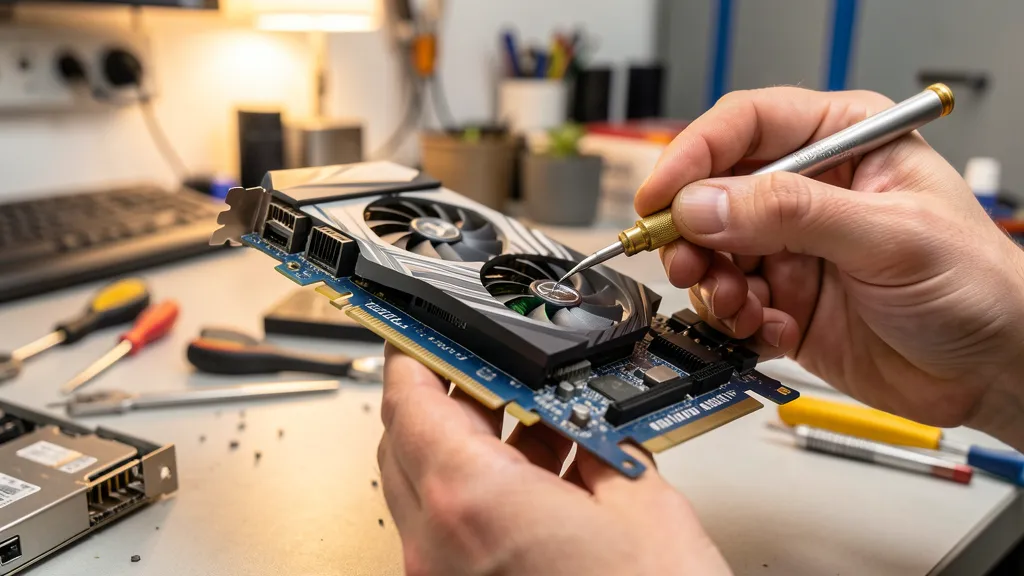
Used build recommendations for Singapore
- Entry ($550–$650): 8th–10th gen i5, 16 GB dual-channel, GTX 1060 6GB / GTX 1660, SSD. Playable 100–144 FPS at low settings.
- Sweet spot ($750–$950) — the optimum: i5-12400 / Ryzen 5 5600 + used RTX 3060. Stable 144–200 FPS with clean smokes and headroom for other games.
- Premium ($1,100+): Modern 6–8 core CPU + RTX 3070/4060 Ti-class for 240 Hz play.
The used gaming PC buying guide covers where to buy without getting burned — certified shops vs Carousell vs HWZ.
Common CS2 performance problems we fix
- FPS tanks in smokes — volumetric smokes hit CPU and GPU simultaneously. Usually a GPU tier issue at high settings, a CPU issue at low settings.
- Stutter after updates — shader recompilation. An SSD makes this a non-event; a hard drive makes it agony.
- Good average, terrible feel — single-channel RAM or thermal throttling. Both cheap fixes; a thermal paste refresh is from $50.
- PC randomly restarts mid-match — often an ageing PSU under load; see the desktop repair guide.
FAQ
Can my old CS:GO PC run CS2? It will launch, but expect roughly half the frame rate. Quad-cores older than 8th gen Intel struggle to hold 100 FPS.
Does CS2 need an SSD? Effectively yes — map loading and shader compilation on an HDD will make you the last player to connect every match.
AMD or NVIDIA for CS2? Both perform well — CS2 has no ray tracing, so pure raster value wins. Buy whichever gives more FPS per dollar; often the RX 6600 or RTX 3060 tiers.
Is 240 Hz worth it for CS2? If you’re above ~15K Premier rating or play faceit seriously, yes. Below that, a stable 144 setup and better aim practice return more.
Tested used desktops and stress-tested RTX cards, matched to your monitor — collect from 4 locations islandwide.
{“@context”:”https://schema.org”,”@type”:”FAQPage”,”mainEntity”:[{“@type”:”Question”,”name”:”Can my old CS:GO PC run CS2?”,”acceptedAnswer”:{“@type”:”Answer”,”text”:”It will launch, but expect roughly half the frame rate you had in CS:GO. Quad-core CPUs older than 8th gen Intel struggle to hold 100 FPS in CS2.”}},{“@type”:”Question”,”name”:”What PC do you need for 144 FPS in CS2?”,”acceptedAnswer”:{“@type”:”Answer”,”text”:”An i5-12400 or Ryzen 5 5600 with a used RTX 3060 or RX 6600, 16 GB dual-channel RAM and an SSD holds a stable 144–200 FPS at 1080p even in smokes. A complete tested used build costs around $750–$950 in Singapore.”}},{“@type”:”Question”,”name”:”Does CS2 need an SSD?”,”acceptedAnswer”:{“@type”:”Answer”,”text”:”Effectively yes — map loading and shader compilation on a hard drive make you the last player to connect every match. An SSD is a practical requirement.”}},{“@type”:”Question”,”name”:”AMD or NVIDIA for CS2?”,”acceptedAnswer”:{“@type”:”Answer”,”text”:”Both perform well since CS2 has no ray tracing — pure raster value wins. Buy whichever gives more FPS per dollar on the used market, often the RX 6600 or RTX 3060 tiers.”}}]}

