
⚡ Optimum spec (our verdict): i5-12400 / Ryzen 5 5600 + used RTX 3060 or 4060, 16 GB RAM, SSD — full UE5 visuals at 1080p high 60 FPS and Performance Mode at 240 FPS. Complete tested used build ≈ $750–$950; pure Performance Mode players can drop to a $480–$600 GTX 1650 build.
"What PC does my kid need for Fortnite?" is one of the most common questions we get — and the honest answer is: it depends which Fortnite. Since moving to Unreal Engine 5, Fortnite is effectively two games. Performance Mode strips the visuals down and runs 144+ FPS on modest hardware — it’s what competitive players use even on expensive PCs. Full UE5 mode with Nanite geometry and Lumen lighting is a genuine AAA workload that wants a proper RTX card.
Most kids playing competitively want the first one. Buying hardware for the second when they’ll play in Performance Mode anyway is the most common overspend we see.
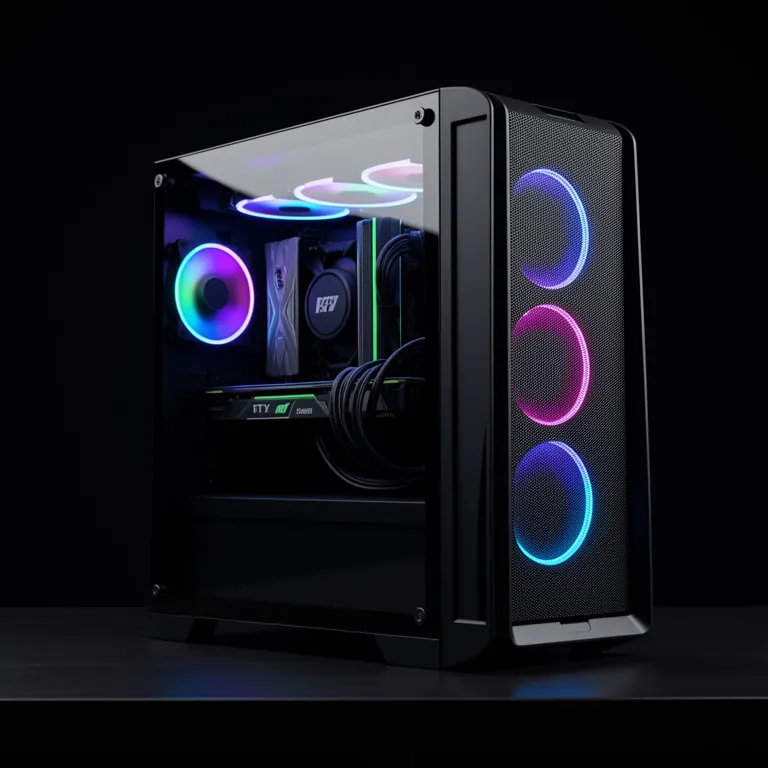
Requirements by how you play
| Play style | CPU | GPU | RAM | Result |
|---|---|---|---|---|
| Casual, medium settings | Quad-core i5 | GTX 1060 / RX 580 | 8–16 GB | 60 FPS at 1080p |
| Competitive Performance Mode | 6-core i5 / R5 | GTX 1650 / 1660 | 16 GB | 144+ FPS |
| Optimum: full UE5 high | i5-12400 / R5 5600+ | RTX 3060 / 4060 | 16 GB | 60 FPS UE5 + 240 FPS Perf Mode |
| UE5 Epic + ray tracing | Modern 6–8 core | RTX 4070-class+ | 16–32 GB | The cinematic experience |
Two non-negotiables at every tier: a 6-core CPU is strongly recommended (building fights and 30-player endgame circles are CPU-heavy) and an SSD is effectively required — UE5’s texture streaming on a hard drive causes severe pop-in and stutter.
Frame rate, refresh rate, and why Performance Mode exists
Fortnite’s competitive scene runs Performance Mode for the same reason CS and Valorant pros run low settings: frame rate is a gameplay advantage. Higher FPS means fresher information on screen and lower input latency — crucial in build fights where edits happen in tenths of a second.
- 60 Hz monitor → any tier in the table above is fine; cap FPS around 120 for lower input lag.
- 144 Hz monitor → build for a 144 FPS floor in Performance Mode: 6-core CPU + GTX 1650-class GPU.
- 240 Hz monitor → Performance Mode on an RTX 3060-class card and a modern CPU gets there comfortably.
If your child’s FPS is unstable rather than low — fine one match, stuttery the next — the cause is usually thermal or storage, not the GPU. More on that below.
What to buy in Singapore
- Starter ($480–$600): Used desktop with a recent i5, 16 GB, GTX 1650, SSD. Runs Performance Mode at 144 FPS — plus Minecraft and Roblox, the usual companions.
- Sweet spot ($750–$950) — the optimum: i5-12400 / Ryzen 5 5600 + used RTX 3060 or 4060 — full UE5 visuals at 1080p high with DLSS, and Performance Mode at 240 FPS. Compare cards in the RTX 3060 vs 4060 vs 5060 guide; the RTX 3000 vs 4000 vs Radeon comparison adds the AMD options.
- On a tight budget: the cheap graphics cards for students guide covers capable cards under $400.
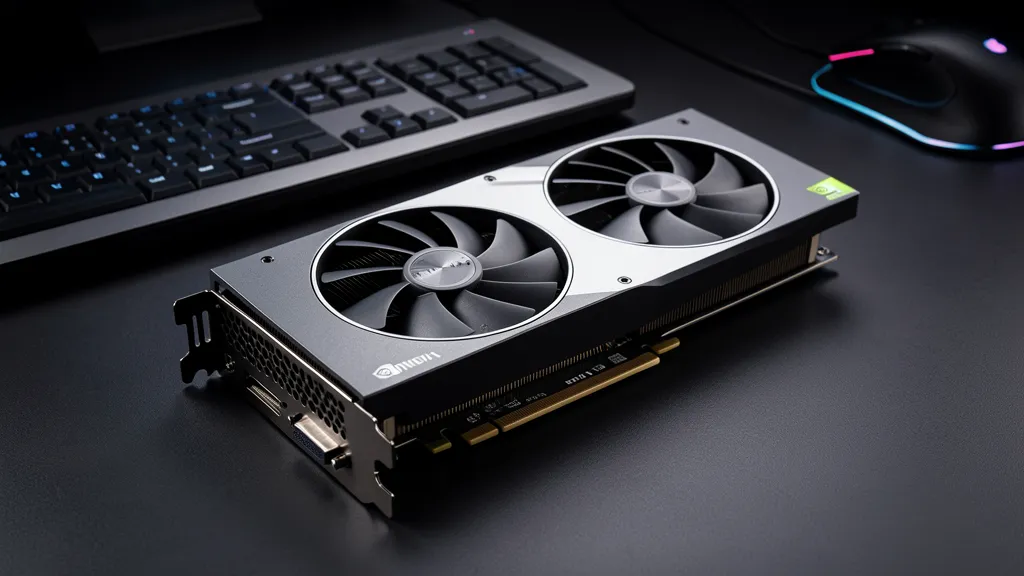
Not sure what’s a fair price for a whole system? The used gaming PC buying guide covers the Singapore market, and all our used graphics cards are tested before sale.
Common Fortnite performance fixes
- Stutter every new season — shader recompilation after big updates. Normal for one or two games; an SSD makes it brief.
- FPS drops in endgame circles — CPU-bound. Upgrade cores, not graphics settings.
- Texture pop-in / blurry buildings — HDD or low VRAM. Move the game to an SSD first; we do HDD-to-SSD cloning from $40.
- PC slows after 20–30 minutes — thermal throttling from dust; a desktop clean and repaste from $50 or a thermal paste service usually restores it.
FAQ
Does Fortnite need an RTX card? Only for the full UE5 cinematic visuals. Competitive Performance Mode runs beautifully on a used GTX-class card.
Is 8 GB of RAM enough? Borderline. Fortnite + Epic launcher + Discord routinely exceeds it — 16 GB is the practical minimum for smooth play.
PC or console for Fortnite? PC gives higher frame rates, Performance Mode, and doubles as a school computer — which is why parents usually land on a used desktop.
My kid says the PC is "laggy" — is that FPS or internet? Could be either. Frame drops show in the FPS counter (Settings → show FPS); network lag shows as ping spikes. Worth checking before buying anything.
We match tested used desktops to how your family actually plays — from $480 Performance Mode builds to full RTX setups. Collect from 4 locations islandwide.
{“@context”:”https://schema.org”,”@type”:”FAQPage”,”mainEntity”:[{“@type”:”Question”,”name”:”Does Fortnite need an RTX graphics card?”,”acceptedAnswer”:{“@type”:”Answer”,”text”:”Only for the full Unreal Engine 5 cinematic visuals with Nanite and Lumen. Competitive Performance Mode runs at 144+ FPS on a used GTX 1650-class card with a 6-core CPU.”}},{“@type”:”Question”,”name”:”What PC do you need for Fortnite at 144 FPS?”,”acceptedAnswer”:{“@type”:”Answer”,”text”:”In Performance Mode: a 6-core CPU, GTX 1650/1660-class GPU, 16 GB RAM and an SSD — achievable in a $480–$600 used desktop in Singapore. For full UE5 visuals plus 240 FPS Performance Mode, step up to an RTX 3060 or 4060 build around $750–$950.”}},{“@type”:”Question”,”name”:”Is 8 GB of RAM enough for Fortnite?”,”acceptedAnswer”:{“@type”:”Answer”,”text”:”Borderline — Fortnite plus the Epic launcher and Discord routinely exceeds 8 GB. 16 GB is the practical minimum for smooth play.”}},{“@type”:”Question”,”name”:”Is a PC or console better for Fortnite?”,”acceptedAnswer”:{“@type”:”Answer”,”text”:”PC offers higher frame rates, Performance Mode, and doubles as a school computer — which is why most parents land on a used desktop.”}}]}

